How to Create a Strong Password (and Actually Remember It)
The single thing that makes a password strong is length — a long passphrase like four or five random words beats a short messy string of symbols, and it's far easier to remember. Aim for at least 16 characters, don't reuse it anywhere, and either build a passphrase or generate one with the free Password Generator, which runs in your browser and shows you how long it would take to crack. Here's what actually matters in 2026 — and what stopped mattering.
On this page
- What actually makes a password strong
- Passphrases: strong and memorable
- Generate one — and see the proof
- "Is it safe to generate a password online?"
- The two rules that matter more than the password itself
- How are you supposed to remember 50 unique passwords?
- What you can stop doing
- Strong password, secure password, passphrase — same goal
What actually makes a password strong
For years the advice was "mix uppercase, lowercase, a number, and a symbol." The current security standards (NIST's 2026 guidance) have dropped that rule — because it backfired. Forced complexity just pushed everyone toward predictable patterns like Password1! and Admin2026$, which crackers try first.
What replaced it is simpler and more honest: length beats complexity. A 20-character all-lowercase password is astronomically harder to brute-force than an 8-character one stuffed with symbols. The math isn't close — every extra character multiplies the number of guesses an attacker needs. So the modern rule is: make it long, make it unique, stop obsessing over whether there's a ! in it.
Practical targets:
- 16 characters minimum for anything that matters.
- 20+ for your email, banking, and password manager (your email is the master key — password resets for everything else land there).
- Up to 64 is fine; longer is genuinely stronger.
Passphrases: strong and memorable
Here's the trick that gives you both: a passphrase — several random words strung together, like marble-trumpet-canoe-eleven. It's long (so it's strong), and it's made of real words (so you can actually remember it), unlike a random symbol soup you'll forget in an hour.
The key word is random. Four words you picked because they're meaningful to you (your dog, your street, your team) aren't random — they're guessable. Words chosen at random by a generator are what make a passphrase strong. That's exactly what the passphrase mode in the Password Generator does: it picks genuinely random words and joins them with separators, so you get something both memorable and hard to crack.
Generate one — and see the proof
You don't have to invent anything. Open the Password Generator:
- Choose a random password (adjust length and which character types to include) or passphrase mode (random words).
- Set the length — push it to 16+ for important accounts.
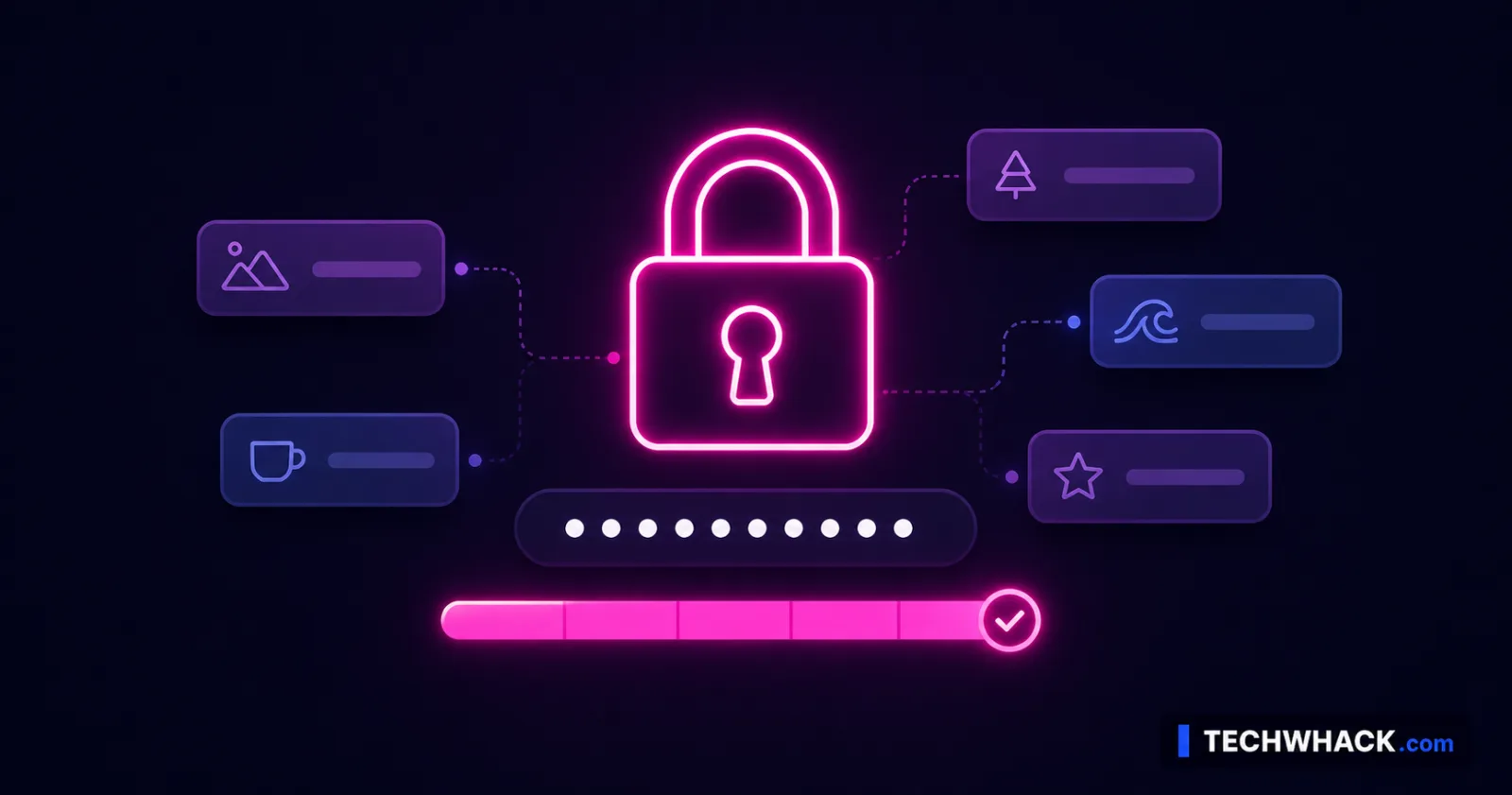
- Watch the live strength meter: it shows the entropy and an estimated time to crack. This is the useful part — you can see a 16-character result jump to "centuries" or "millions of years," which turns "is this strong enough?" from a guess into a number.
- Copy it and store it (more on that below).
Crucially, it all runs in your browser using your device's secure randomness — the password is never sent anywhere, never logged, never seen by a server. Which answers the obvious worry…
"Is it safe to generate a password online?"
It depends entirely on where the generation happens. A tool that sends your generated password to its server to make it is a bad idea. This one doesn't: it generates locally in your browser and nothing leaves your device. So the password you create is seen only by you. That's the whole point of doing it client-side — you get the convenience without handing your new password to a stranger's server.
The two rules that matter more than the password itself
A strong password barely helps if you break these:
- Never reuse passwords. This is the big one. When any site gets breached, attackers take those email-and-password pairs and try them everywhere else ("credential stuffing"). One reused password turns one breach into ten. Every account needs its own unique password.
- Turn on two-factor authentication (2FA). Even a perfect password can be phished — you type it into a fake login page and it's gone. 2FA stops that: without the second factor, a stolen password is useless. Turn it on for email, banking, and anything important, and prefer an authenticator app over SMS where you can.
How are you supposed to remember 50 unique passwords?
You're not. That's what a password manager is for — it generates and stores a unique password for every account, and you only memorize one strong passphrase (the master password) to unlock it. It's the single most effective upgrade to your security, and the modern guidance actively encourages it. (Plenty of reputable options exist, free and paid — pick one that uses strong encryption; we're not pushing a particular brand.)
If a manager isn't for you, the low-tech fallback is fine too: unique passphrases written in a notebook kept somewhere safe at home beats reusing one password everywhere. The cardinal sin isn't writing it down — it's reuse.
What you can stop doing
The 2026 guidance also retired some old habits, so you can drop them:
- Forced periodic changes ("update your password every 90 days") — no longer recommended unless there's an actual breach. Constant resets just push people to weak, incremental passwords (
Spring2026,Summer2026). - Security questions ("mother's maiden name") — the answers are often findable or guessable; avoid relying on them.
Strong password, secure password, passphrase — same goal
Whether you searched for a strong password, a secure password, a random password generator, how long a password should be, or a hard-to-crack password, the answer is the same in 2026: long, unique, ideally a passphrase, backed by 2FA and a password manager. Build it or generate it — and check the crack-time so you know it's solid.