What's Inside a JWT — and How to Decode One Safely
A JWT (JSON Web Token) is three Base64URL-encoded parts joined by dots: header.payload.signature. The big thing to understand up front: the payload is encoded, not encrypted — anyone holding the token can read what's inside, so you must never put secrets in it. To inspect one, paste it into the JWT Decoder, which decodes it in your browser (the token is never sent anywhere) and shows the header, the claims, and a live countdown to expiry. Here's what each part means and how to read one safely.
On this page
The three parts
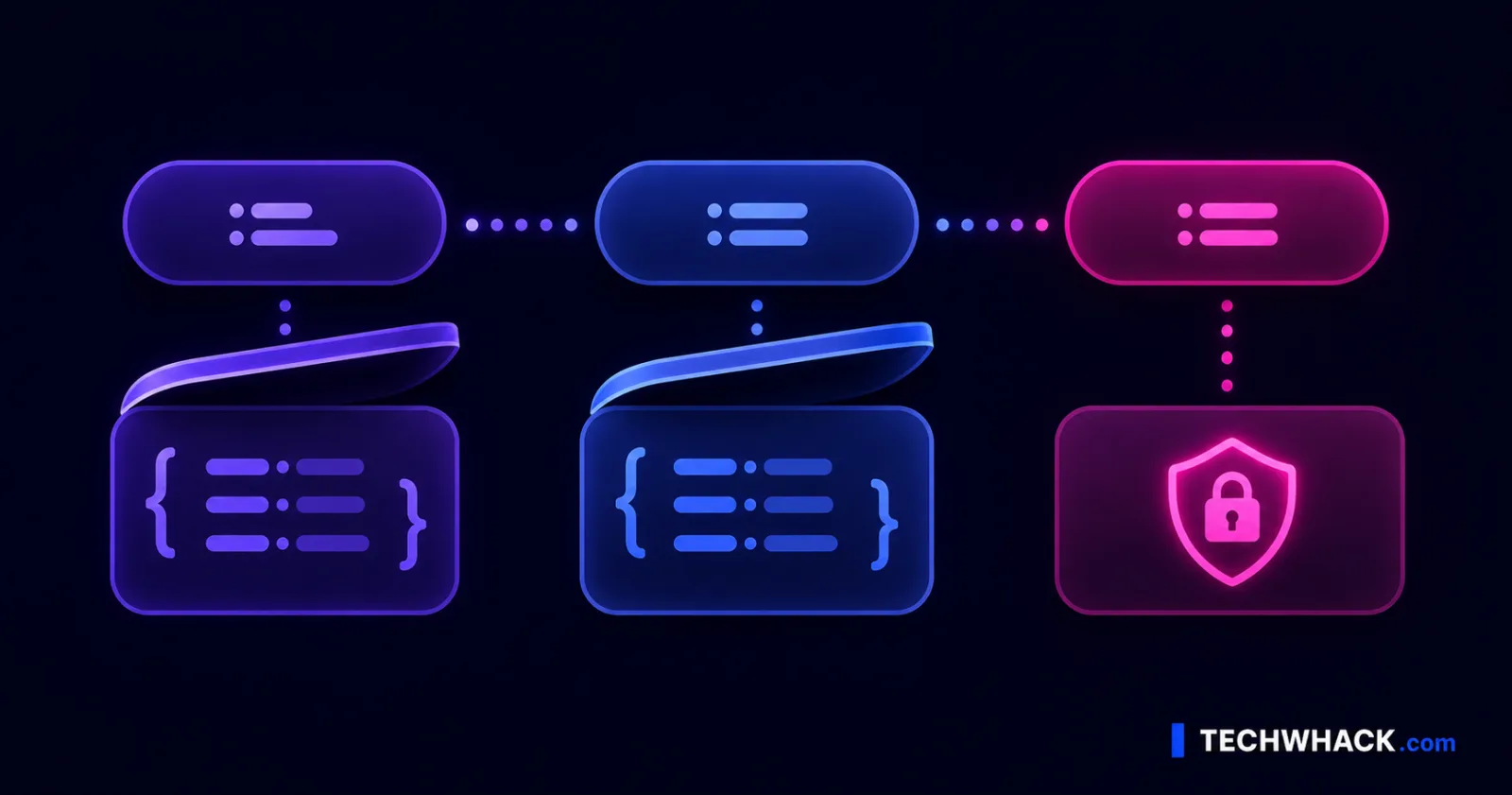
A JWT looks like xxxxx.yyyyy.zzzzz — three sections split by periods:
- Header — metadata: the token type (
JWT) and the signing algorithm, e.g.alg: HS256. - Payload — the claims: the actual data (who the user is, when it expires, what they're allowed to do).
- Signature — a cryptographic value that proves the header and payload haven't been tampered with.
The header and payload are just Base64URL-encoded JSON — reversible by anyone, no key needed. The signature is different: it's a one-way cryptographic hash, so it can't be "decoded" back into anything readable — it can only be verified (more on that below).
The critical point: encoded ≠ encrypted
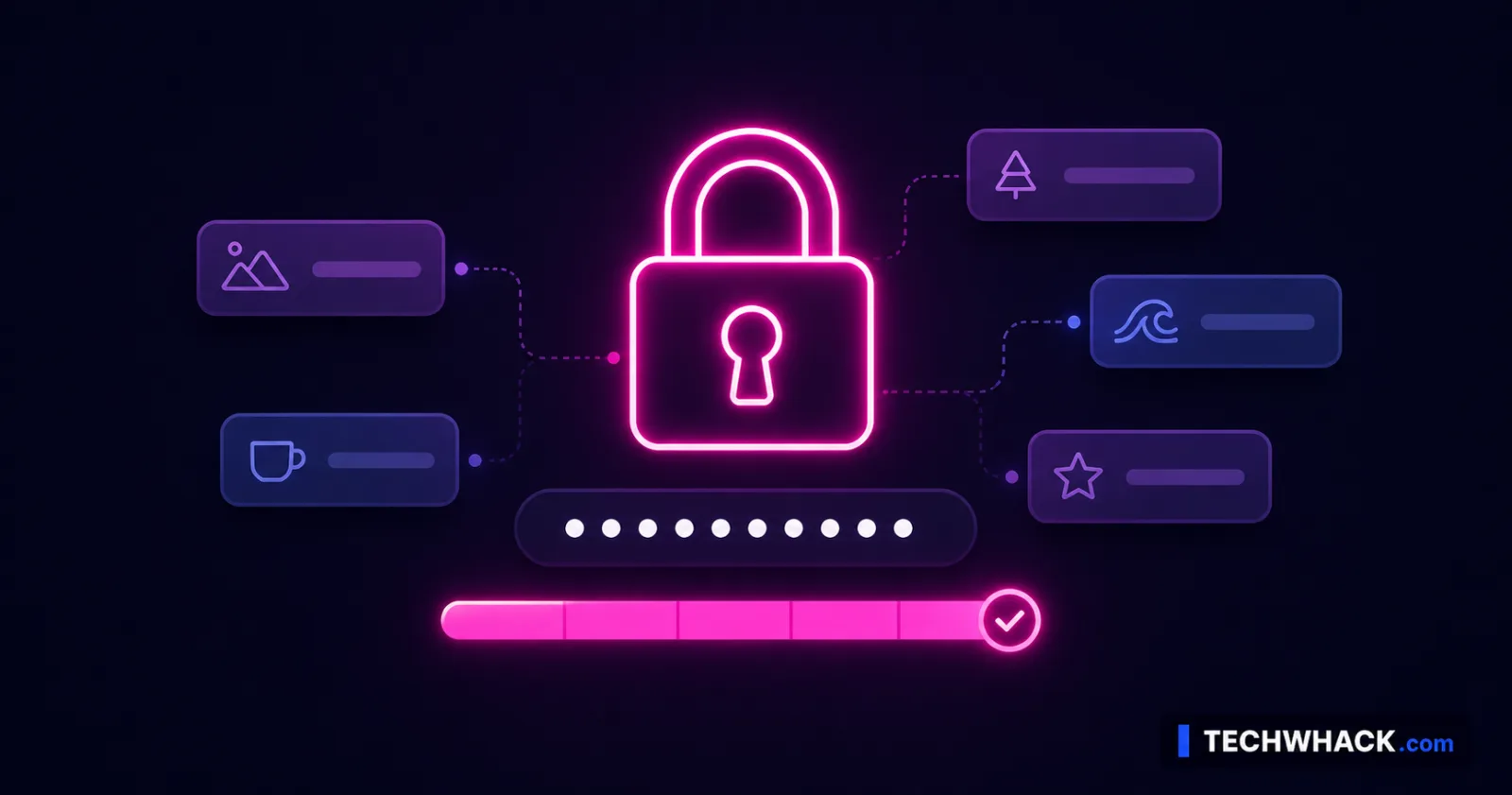
This trips up even experienced developers, and getting it wrong is a real security risk. A standard JWT's payload is not encrypted. Base64URL is just an encoding — anyone who has the token can paste it into any decoder and read every claim inside, no secret required.
What that means in practice:
- Never put anything sensitive in a JWT payload — no passwords, no secret keys, no private personal data. Treat the payload as public-readable, because to anyone holding the token, it is.
- The signature doesn't hide the data; it only proves the data wasn't changed. Confidentiality and integrity are different things — a JWT gives you integrity, not secrecy (unless you use the separate, less common encrypted variant, JWE).
What's in the payload — the standard claims
Payloads carry "claims." Some are registered (standard, with reserved meanings):
iss— issuer (who created the token)sub— subject (usually the user ID the token is about)aud— audience (who the token is intended for)exp— expiration time (after this, it's invalid)nbf— not-before (don't accept it before this time)iat— issued-at (when it was created)jti— a unique token ID
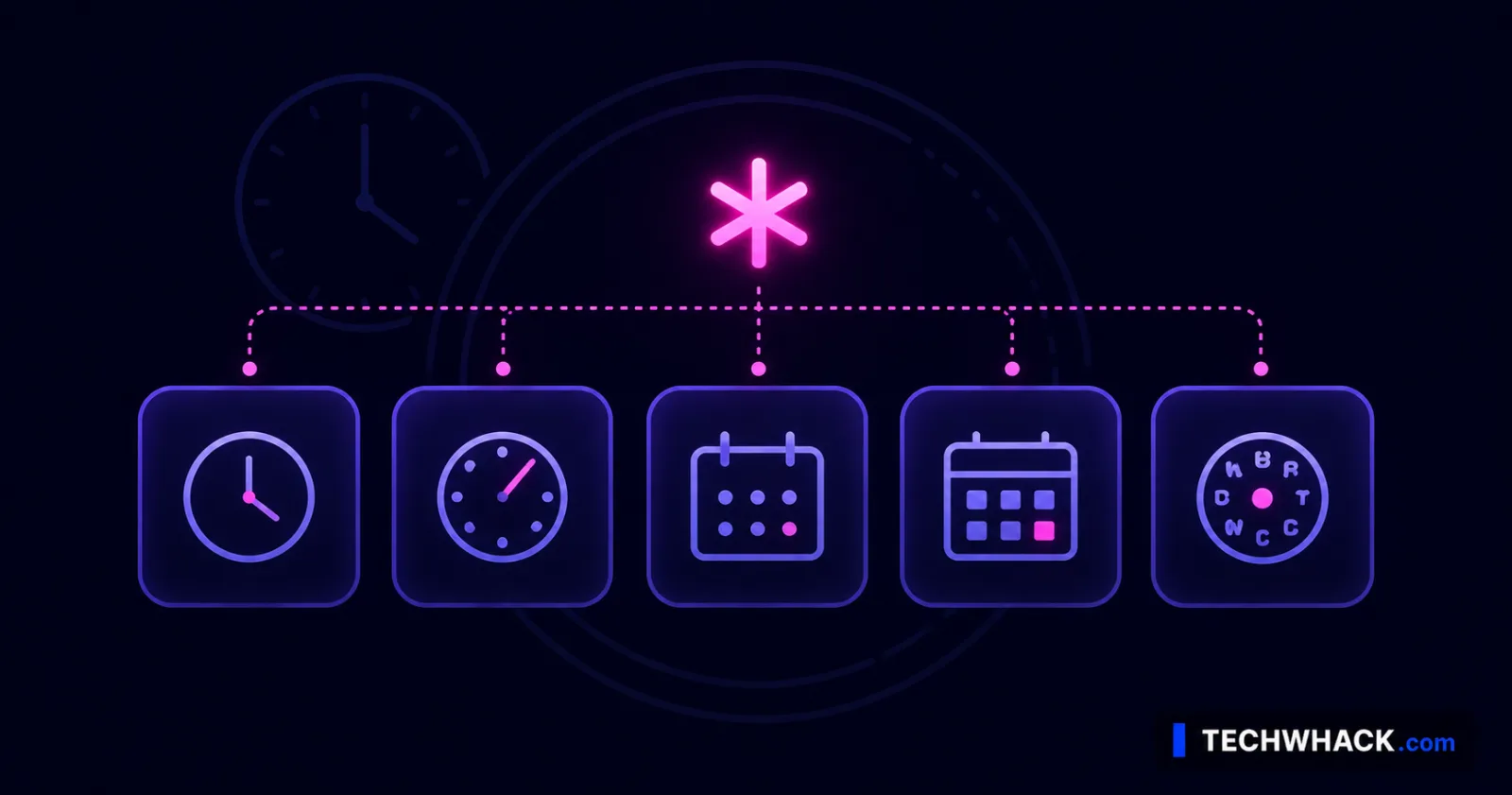
The time claims (exp, nbf, iat) are stored as Unix timestamps — big integers like 1767225600 that aren't human-readable at a glance. That's one reason a decoder helps: the JWT Decoder turns those into readable dates and shows a live countdown to expiry, so you can see at a glance whether a token is still valid or already dead. Beyond the registered claims, apps add their own custom claims (roles, scopes, email, org ID) — useful, but remember they're readable.
Decoding vs. verifying — not the same thing
This distinction matters:
- Decoding just reverses the Base64URL encoding to read the header and payload. It tells you what the token says. It does not tell you whether the token is genuine — a decoder will happily read a forged or edited token.
- Verifying checks the signature using the secret (for HS256) or public key (for RS256). It confirms the token was really issued by who it claims and hasn't been altered. This is what your server must do before trusting a token.
The JWT Decoder does both: it decodes any token to show you the contents, and it can verify an HS256 signature when you paste in the secret — so you can confirm a token is valid, not just readable. (A failed verification means the signature doesn't match: wrong secret, wrong algorithm, or a tampered token.)
Is it safe to decode a JWT online?
It depends entirely on where the decoding happens. Since the payload is readable by anyone holding the token, decoding itself doesn't expose anything an attacker couldn't already get. The real risk is where the token goes: many online decoders send the token to their server to process it — and if that token is a live access token carrying internal IDs, emails, or permission scopes, you've just handed that data (and a working token) to a third party.
The safe approach is to decode locally, in your browser, so the token never leaves your device. That's exactly how the JWT Decoder works — the decode and HS256 verification happen client-side, nothing is uploaded or logged. As a rule: never paste a live, valid token into a tool that processes it server-side. For a local decoder, you're fine.
Reading one in practice
- Open the JWT Decoder and paste your token.
- It splits and decodes it instantly — header (algorithm), payload (all the claims), with
iat/exp/nbfshown as real dates and a countdown to expiry. - To check authenticity, paste the secret to verify the HS256 signature — you'll see whether it's valid.
- Read the claims to debug: is the right
sub? the expectedscope/roles? has itexp-ired? This is the everyday "why is my auth failing" workflow.
JWT decoder, decode JWT, JSON Web Token — same thing
Whether you searched decode JWT, JWT decoder, what is a JSON Web Token, JWT payload, verify JWT, or JWT expiry, it's one job — reading and checking a token — and the JWT Decoder handles it, in your browser, free.