How to Spot a Fake Tweet: 7 Tells a Viral Screenshot Is Faked
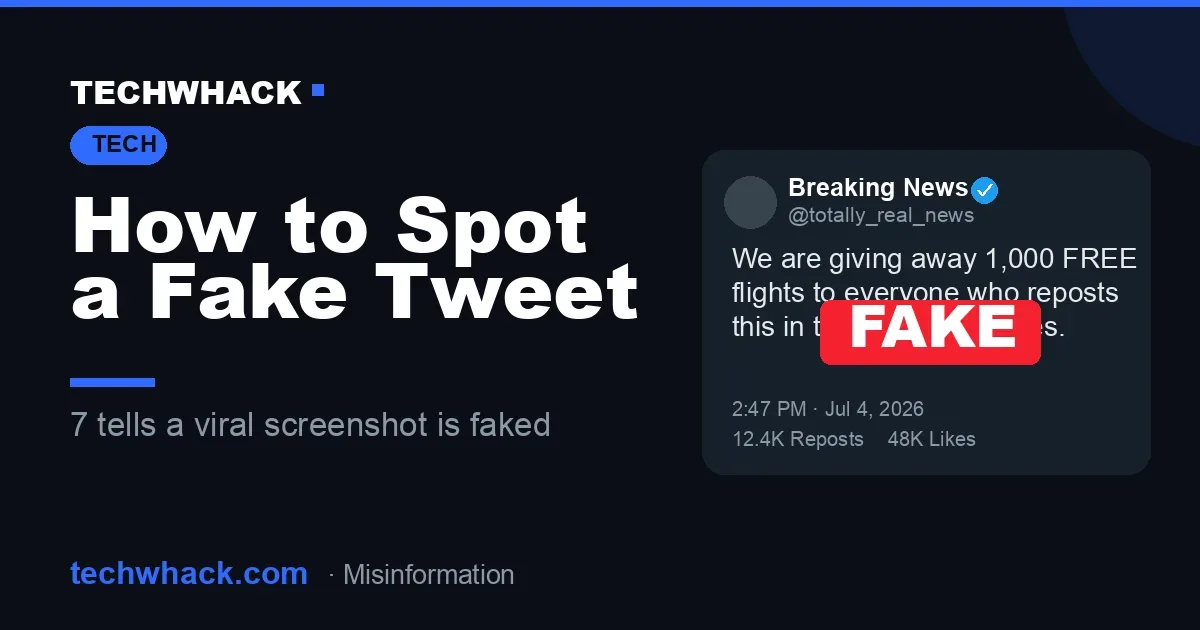
Fake tweet screenshots fool millions because a screenshot feels like proof. Here are 7 fast ways to tell if a viral X post is real — and how the fakes are made.
In 2022, a screenshot of a "tweet" from a major airline announcing free flights raced around the internet, racking up thousands of shares before anyone noticed one small problem: the airline had never posted it. The account was real. The tweet was not. Fabricated tweet screenshots — invented celebrity meltdowns, fake resignation posts, doctored brand announcements — are one of the internet's most effective misinformation tools, precisely because a screenshot feels like proof. Knowing how to spot a fake tweet has quietly become a basic digital-literacy skill.
It isn't hard once you know what to look for. Here are seven fast ways to tell whether a viral tweet screenshot is genuine, plus a look at how the fakes get made in the first place.
Why fake tweets are everywhere
The uncomfortable truth is that faking a tweet takes seconds and zero skill. There are three common methods: editing a real screenshot in a photo app, tweaking the live page's HTML in a browser's developer tools, or — fastest of all — using a fake tweet generator that builds a pixel-perfect mockup from a simple form. In fact, you can mock one up in seconds with a tool like TechWhack's fake tweet generator — which is exactly why you can't take any screenshot at face value. If it's that easy to create, it's that easy to fake.
Used honestly — for memes, parody, presentations or design mockups — these tools are harmless fun. The problem is the small share of fakes made to deceive. Spotting them comes down to knowing what the real thing actually looks like.
How to spot a fake tweet: the 7 tells
1. Fonts and spacing that are slightly "off"
X uses a specific typeface (Chirp) with consistent weight and letter-spacing. Many fakes — especially photo-edited ones — get the font subtly wrong: the letters are too thin, too wide, or the gap between the display name and the @handle doesn't match. If the tweet text looks like it was set in a slightly different font from the rest of the interface, be suspicious.
2. A blue tick proves nothing anymore
Before 2023, a blue checkmark meant a verified, notable account. Now anyone can buy one. A "verified" badge in a screenshot is no longer evidence the account is who it claims to be — and older fakes sometimes add a tick to accounts that never had one, or pair modern verification styling with a post that supposedly predates it. Treat the badge as decoration, not proof.
3. The timestamp and date format
Real tweets show the date and time in a specific position and format, and that format differs between the app, the website, and a tweet's individual permalink page. Fakes routinely put the date in the wrong place, use a format X doesn't use, or show a timestamp that's flat-out impossible — a reply dated before the post it's replying to, for example.
4. Like, repost and view counts that don't add up
Engagement numbers have their own formatting rules: how thousands and millions get abbreviated, how views are shown separately from likes. Fakes often display counts that are rounded oddly, formatted wrong, or wildly implausible for the account. A no-name profile with two million likes on a single post is a red flag on its own.
5. Interface details from the wrong era
Twitter became X in 2023, and the interface has changed repeatedly — the logo, the button labels ("Tweet" became "Post"), the corner radii, the colors, the layout. A screenshot that mixes elements from different versions, like the old bird logo sitting next to a modern layout, was almost certainly assembled by hand.
6. No reply context and nothing to click
A genuine screenshot usually has somewhere to go: a link to the original, a visible thread, replies underneath. A bare, cropped image with no source, no link and no way to interact with it is the single most common trait of a fake. If nobody has linked the actual tweet, ask yourself why.
7. Search the text — the check that beats them all
This is the one that settles it. Copy a distinctive phrase from the screenshot and paste it into X's search, or into Google inside quotation marks. A real tweet will surface — on the account's timeline, in search, or in a fact-check. If the exact words return nothing anywhere, the tweet almost certainly never existed.
How to verify a tweet is real
If the seven tells still leave you unsure, three steps will usually confirm it:
- Check the account's actual timeline. Open the profile and scroll — you don't even need to be logged in. If the post is real and recent, it will be there.
- Search the archive for deleted tweets. The Wayback Machine archives a huge share of tweets, deleted ones included. If a screenshot claims a since-deleted post, the archive can confirm whether it ever existed.
- Reverse-image search the screenshot. Drop the image into Google Images or a reverse-image tool. Viral fakes are usually already debunked, and a reverse search often lands you on a write-up from a fact-checker like Snopes.
Fake screenshots aren't just a Twitter problem
The same trick works on every platform, and the tools have kept pace. The fakery isn't limited to X — prank-tool sites like Pranksters.com let people spin up fake texts, DMs and WhatsApp chats just as quickly, which is why a screenshot from any app deserves a second look. A convincing "leaked" iMessage or WhatsApp exchange is no harder to fabricate than a tweet — and often spreads faster, because a private message feels even more like a smoking gun.
Use the tools, trust the screenshots less
Learning how to spot a fake tweet isn't about paranoia — it's about not handing your trust to a screenshot just because it looks official. Fake tweet generators aren't the villain here; they're genuinely useful for memes, mockups, comedy and teaching people exactly what to watch for. The real problem is treating any screenshot as evidence. Learn the tells, run the checks, and default to a little skepticism on anything that's conveniently outrageous.
Want to see how convincing a mockup can be, so you know what you're up against? Build one yourself with our fake tweet generator, then run the seven tells above and count how many it would sail past.