Best Dark Mode Extensions for Chrome, Edge and Firefox
Six dark mode extensions for Chrome compared on price, permissions and features, plus Chrome's hidden dark mode and which ones are safe to install.
By Marcus Vale 10 min read
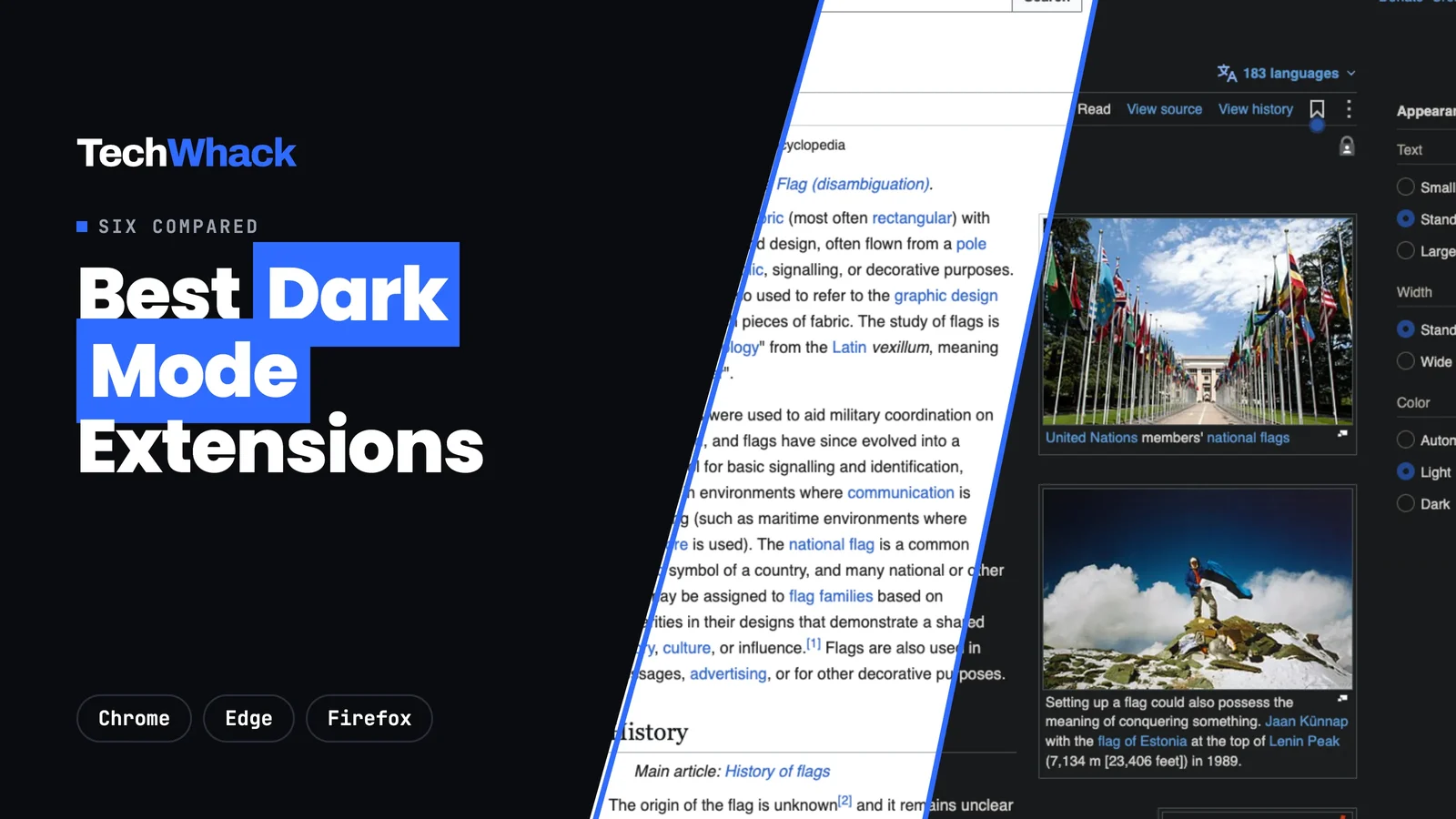
The best dark mode extension for most people is Neo Reader Dark Mode. It's free with nothing held back, it installs with no access to any website until you switch one on, and it uses the same colour engine as Dark Reader, so pages look just as good. Dark Reader is still the one most people know, and it's a fine choice if you don't mind it reading every site from the moment you install it. If you watch a lot of video, Turn Off the Lights does something the others don't.
We compared six dark mode extensions for Chrome, plus Chrome's own hidden dark mode. All but one also work in Edge and Firefox.
Store details, prices and permissions below were read on each extension's live listing on November 22, 2026. Prices and features change, so the links go to the page we checked.
At a glance
- Neo Reader Dark ModeBest dark mode extension overall: free, private, no white flash
- Dark ReaderBest known and open source
- Night EyeMost polished, if you'll pay after 5 sites
- Turn Off the LightsBest for YouTube and video
- Dark ModeSimplest one-button toggle
- Midnight LizardMost colour control
How We Picked
We read every extension's Chrome Web Store listing, its permissions, its privacy section and its pricing page, and checked its open bug reports where the code is public. We left out anything that only changes Chrome's own menus rather than the websites you visit. Then we ran Neo Reader Dark Mode on five real sites in Chrome (Wikipedia, BBC News, GitHub, Stripe and Duolingo) and timed how long each page took to go dark. The things we cared about most: does it darken a page without wrecking photos, does it flash white first, what does it ask to see, and what does it cost once the trial's over.
1. Neo Reader Dark Mode
Best overall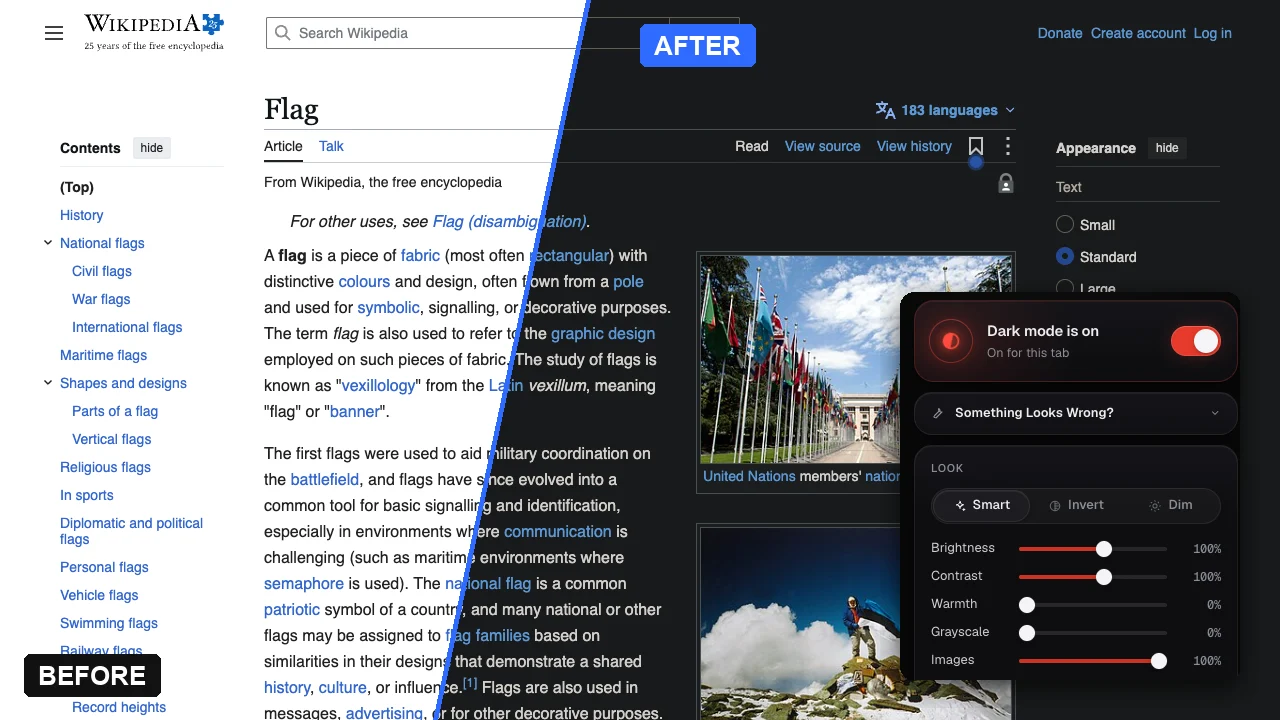
Dark mode for every website, free, with no access to any site until you ask for it.
- Pricing: Free, every feature, no account
- Platforms: Chrome, Edge, Firefox
- Site access at install: None
What we like
- Installs with no website access. Switching a site on asks for that one site only
- Sites you switch on load dark from the start, with no white flash
- Smart, Invert and Dim modes, with brightness, contrast, warmth and grayscale per site
- A schedule, a keyboard shortcut and pages that are already dark left alone
- Open source, no tracking, no remote code
Most dark mode extensions ask to "read and change all your data on all websites" the second you install them. Neo Reader Dark Mode doesn't. Its manifest asks for activeTab, scripting and storage and nothing else, so it can only touch the tab you click it on. Mark a site "Always dark" and your browser asks for that one site. It only asks for all of them if you turn on Dark everywhere.
The recolouring comes from Dark Reader's engine, which Neo Reader bundles under its MIT licence, so photos, logos and brand colours keep their real look instead of turning into negatives. In our run on Wikipedia's Flag article, the page went dark 0.12 seconds after we switched it on. BBC News took 0.26 seconds, and both kept their photos untouched. Sites you've switched on get a dark background painted before the page appears, which is where the white flash usually comes from. It's on the Chrome Web Store, Edge Add-ons and Firefox Add-ons, and the privacy policy says it collects nothing.
2. Dark Reader
Best known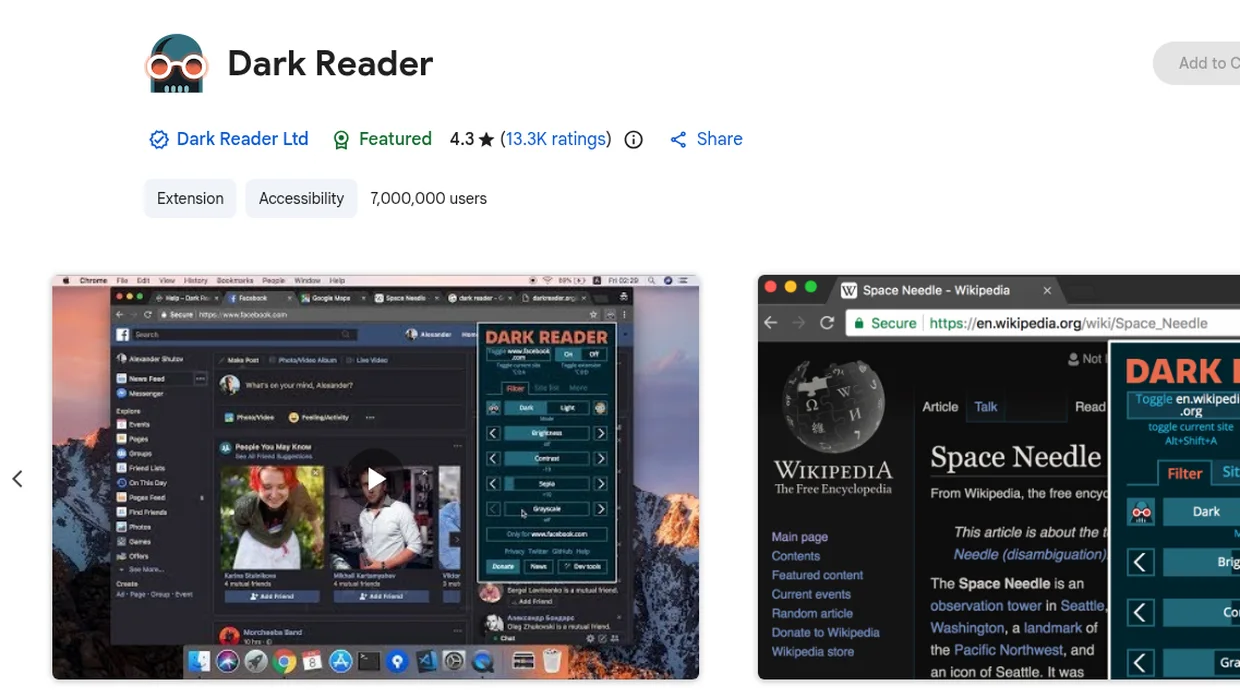
The dark mode extension most people have heard of, free and open source on Chrome.
- Pricing: Free on Chrome. Dark Reader Plus is a paid add-on in Edge
- Platforms: Chrome, Edge, Firefox
- Site access at install: All websites
What we like
- Open source under MIT, with years of per-site fixes built in
- Brightness, contrast, sepia and font settings, plus per-site lists
- Follows your system's dark mode
What we don't like
- Asks for access to every website at install
- Dozens of open slowdown reports on GitHub
- Rated 4.3 on Chrome, below Night Eye
Dark Reader is the default answer on every forum, and the colour engine really is good. It's the same one Neo Reader uses. The difference is access. Dark Reader's Chrome manifest asks for every site (*://*/*) and runs on all of them from the moment it's installed, including the ones you never darken. Its GitHub has an open report of slow page loads even on sites where it's turned off, filed in September 2026. On the Chrome Web Store it was rated 4.3 from 13.3K ratings when we checked. It's free and stays free on Chrome, and it's on Edge and Firefox too.
3. Night Eye
Most polished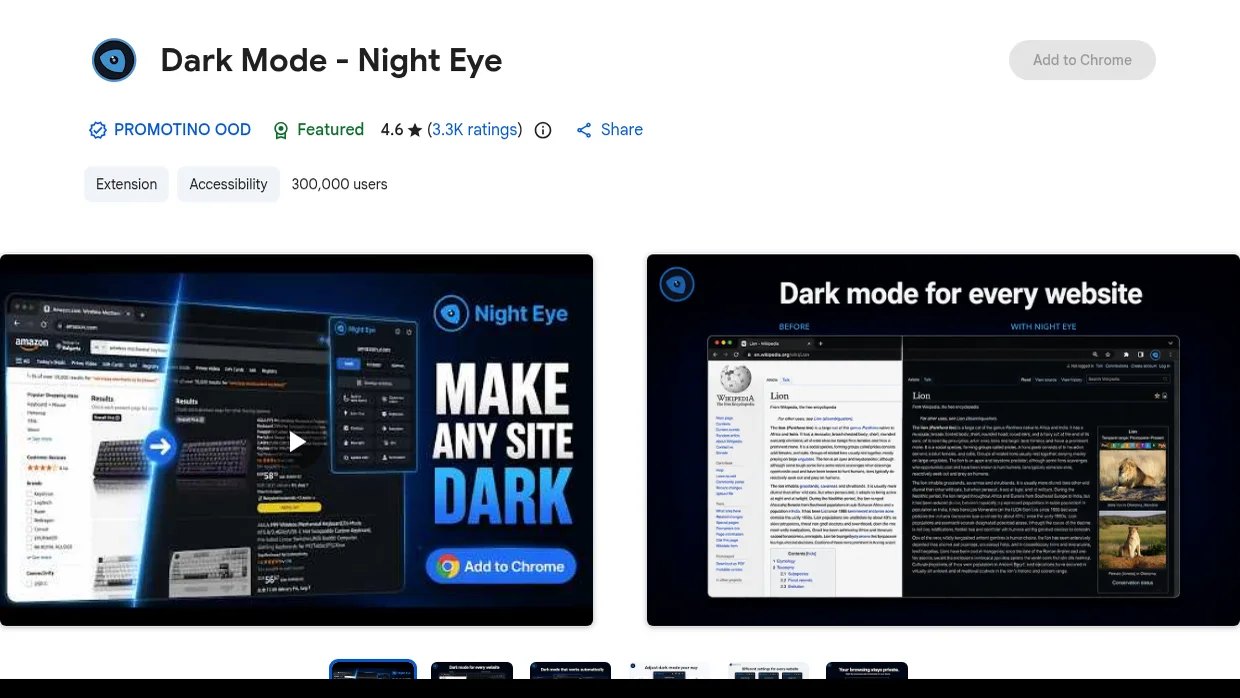
A well-made dark mode with PDF support, but the free version stops at five websites.
- Pricing: Free on 5 sites, Pro $9 a year, Ultimate $40 once (pricing)
- Platforms: Chrome, Edge, Firefox
- Site access at install: All websites
What we like
- Dark, filtered and normal modes with brightness, contrast, saturation and warmth
- PDF dark mode and a schedule
- Import and export of your settings
What we don't like
- Lite covers 5 websites once the 3-month trial ends
- Its store privacy section lists personally identifiable information
- Rated 3.6 on Firefox
Night Eye is the most finished-looking of the paid options, and on Chrome it was rated 4.6 from 3.3K ratings when we checked. The catch is on its pricing page: after a three-month Pro trial, the free Lite plan works on up to five websites in one browser. Unlimited sites means Pro at $9 a year for three browsers, Pro Max at $14 a year, or Ultimate at $40 once. Its description says it doesn't collect or sell user data, while the privacy section on the same Chrome listing says it handles personally identifiable information. Worth reading the privacy policy before you sign up.
4. Turn Off the Lights
Best for video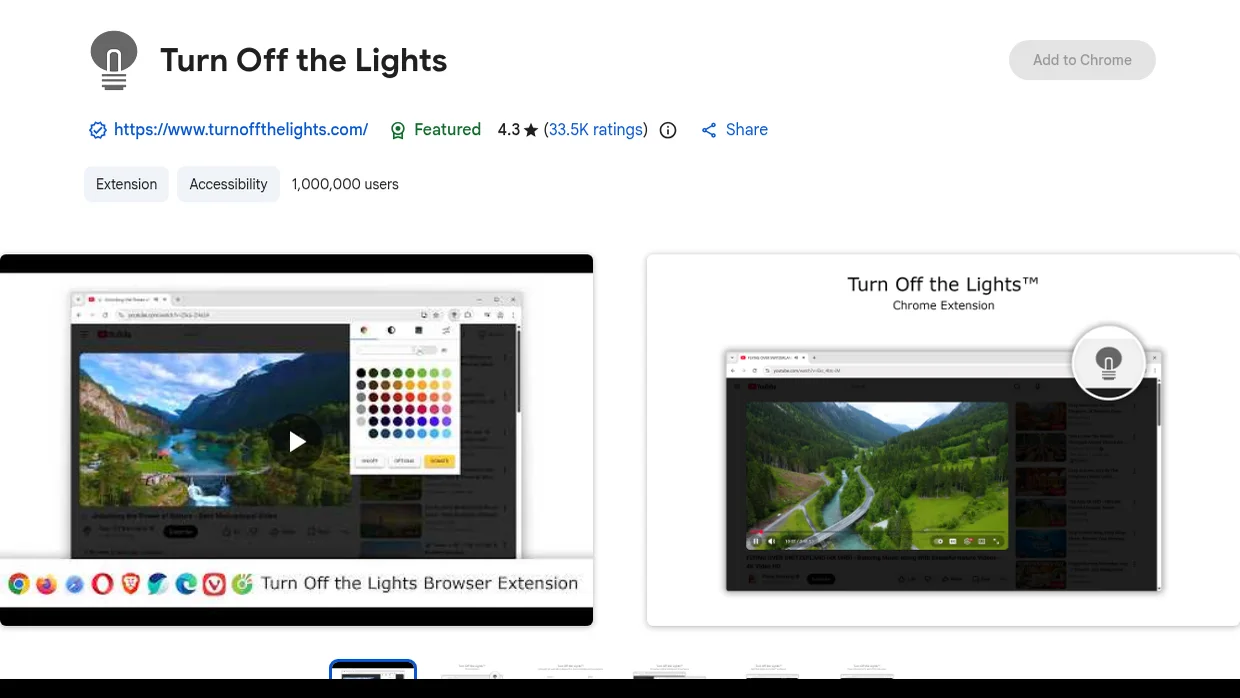
A video dimmer first, with a night mode you switch on in its options.
- Pricing: Free, no subscriptions
- Platforms: Chrome, Edge, Firefox
- Site access at install: All websites
What we like
- Dims everything around a YouTube video in one click
- Night mode with your own colours
- Free and open source
What we don't like
- Dark mode is a side feature, off until you enable it
- 8.35 MiB, far bigger than the rest
- Asks for all websites plus your navigation
Turn Off the Lights started as a way to dim everything around a video, and that's still what it's best at. Its Night Mode adds a switch to the corner of each page that swaps white backgrounds for dark ones, in colours you choose, and pairs with its Eye Protection feature if you want it on a schedule. It's free, open source and rated 4.3 from 33.5K ratings on Chrome. If you mainly want websites dark and don't care about video, a dedicated dark mode extension does that job with less weight.
5. Dark Mode
Simplest toggle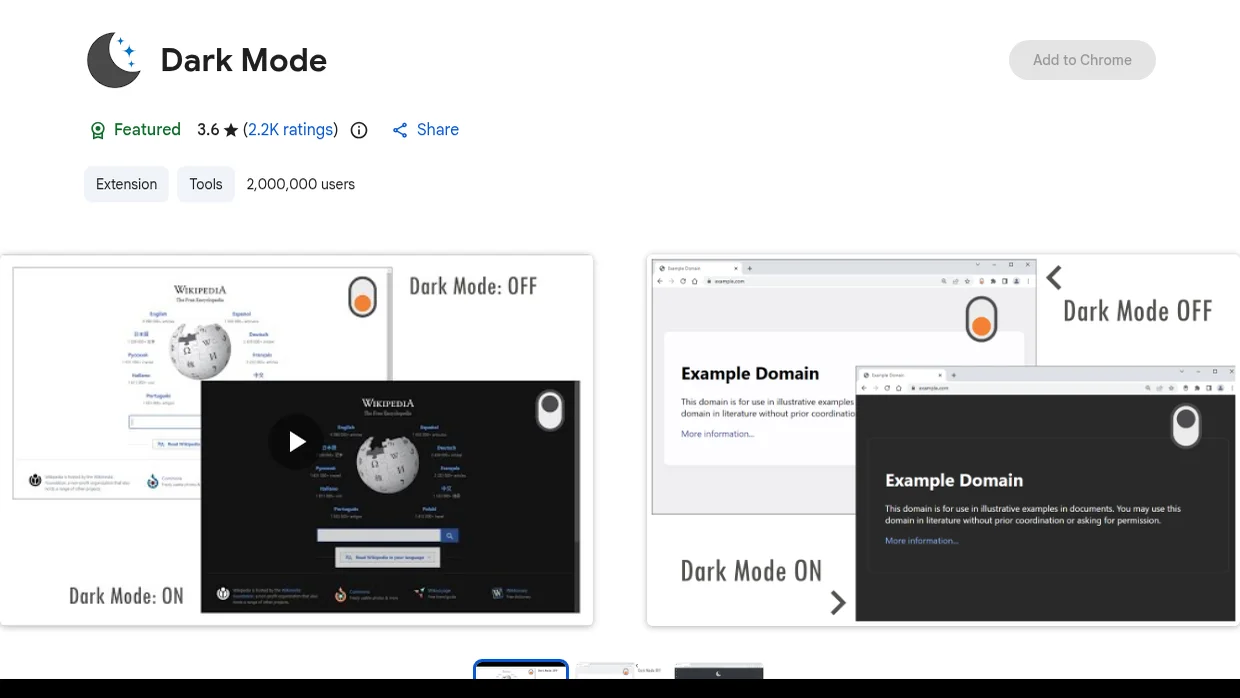
One button, on or off, with a few dozen themes to pick from.
- Pricing: Free
- Platforms: Chrome, Edge, Opera
- Site access at install: All websites
What we like
- One toolbar button turns dark mode on or off
- More than 50 themes and a whitelist
- Its listing says it collects no data
What we don't like
- No schedule and no brightness or contrast sliders
- Rated 3.6, the lowest here
- Asks for all websites at install
The extension simply called Dark Mode sits at the top of Google for "dark mode extension", mostly on the strength of its name. It does one thing: a toolbar button flips the current site dark, and the options page has more than 50 themes and a whitelist. Its Chrome listing says the developer "will not collect or use your data". It was rated 3.6 from 2.2K ratings when we checked, the lowest of the six, and recent reviews complain it's hard to use.
6. Midnight Lizard
Most colour control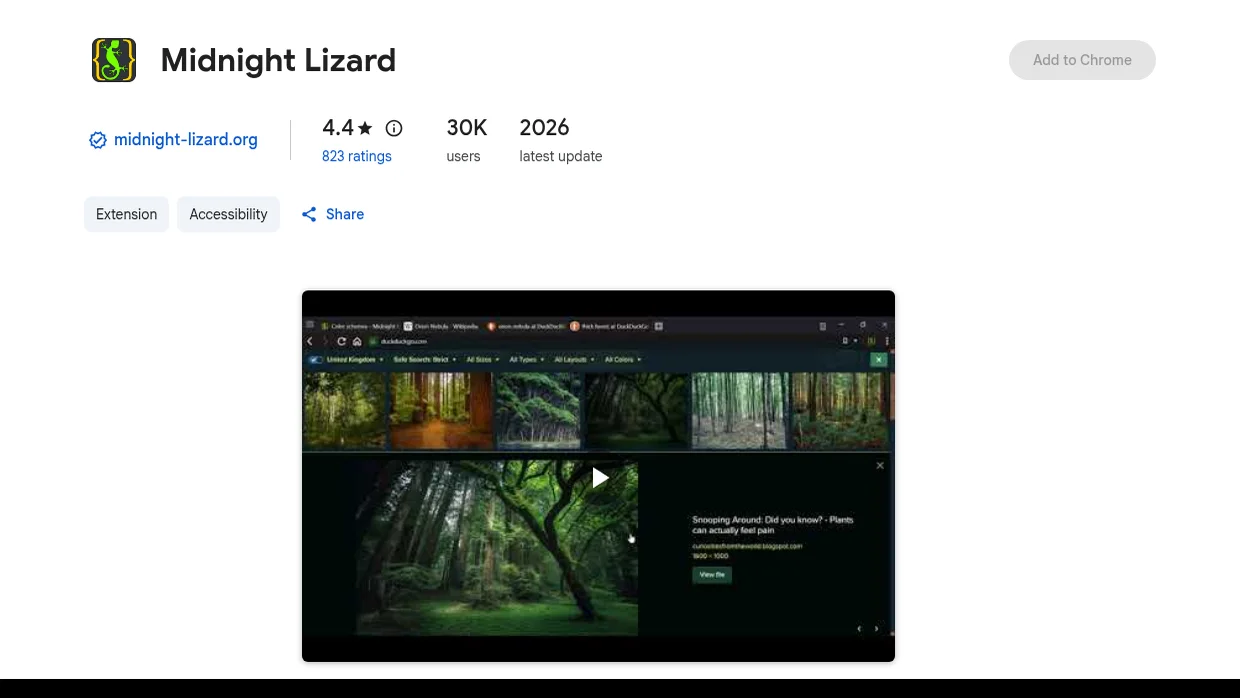
For people who want to tune every colour on the page themselves.
- Pricing: Free
- Platforms: Chrome (Edge and Firefox builds date from 2021)
- Site access at install: All websites
What we like
- Colour schemes per site, plus hue, saturation, contrast and brightness
- Blue light filter and a schedule
- Open source under MIT
What we don't like
- Edge and Firefox versions last updated in January 2021
- A recent review reports heavy idle CPU use
- Lots of settings to learn
Midnight Lizard gives you the most knobs to turn: whole colour schemes per site, hue and saturation, a blue light filter and keyboard shortcuts. The Chrome version was updated in January 2026 and the code is on GitHub. The Firefox and Edge versions haven't been updated since 2021, though. If you just want sites dark, it's more than you need.
Dark Mode Extensions Compared
| Extension | Price | Site access at install | Schedule | Per-site settings | Browsers | Open source |
|---|---|---|---|---|---|---|
| Neo Reader Dark Mode | Free, all features | None | Yes | Yes | Chrome, Edge, Firefox | Yes |
| Dark Reader | Free on Chrome | All sites | Yes | Yes | Chrome, Edge, Firefox | Yes |
| Night Eye | Free on 5 sites, then $9/yr | All sites | Yes | Yes | Chrome, Edge, Firefox | Not published |
| Turn Off the Lights | Free | All sites | With Eye Protection | Switch on each page | Chrome, Edge, Firefox | Yes |
| Dark Mode | Free | All sites | No | Whitelist only | Chrome, Edge, Opera | Not published |
| Midnight Lizard | Free | All sites | Yes | Yes | Chrome | Yes |
Can You Get Dark Mode in Chrome Without an Extension?
Partly. Choosing Dark under Chrome's Settings, then Appearance, darkens Chrome's own tabs and menus, and websites that have their own dark theme follow along. Most sites don't have one, so they stay white. Chrome also has a hidden flag, chrome://flags/#enable-force-dark ("Auto Dark Mode for Web Contents"), that forces every page dark. It's an experiment, though, not a setting. Google doesn't document it, it applies to every site at once with no way to exclude one, and it can turn photos odd. Opera GX has a built-in Force Dark Pages option if you're on that browser.
Are Dark Mode Extensions Safe?
Most are, but this is a category where it pays to look. To recolour a page, a dark mode extension has to read and change it, which is why nearly all of them ask for every website up front. In February 2025, GitLab's threat intelligence team named Super Dark Mode among 16 Chrome extensions that had been turned into malware after they were already popular. It's gone from the store now. Three habits keep you safe: install from the official store link rather than a search result, check what the extension asks for before you click Add, and prefer ones that ask per site or publish their code. Watch for look-alikes too. Dark Theme for Google Chrome has 700,000 users, but it's a browser theme that darkens Chrome's frame, not the websites inside it.
Which Dark Mode Extension Should You Pick?
- Choose Neo Reader Dark Mode if you want dark mode free with no limits and don't want an extension reading every site you visit.
- Choose Dark Reader if you already trust it and want the most widely used option.
- Choose Night Eye if you only need dark mode on a handful of sites, or you're happy to pay $9 a year.
- Choose Turn Off the Lights if video is the main thing you want darker.
- Choose Midnight Lizard if you like to set every colour yourself.
Looking for more ways to tidy up your browser? See our pick of the best web browser in 2026.
Frequently asked
Is the dark mode extension safe?
What is the best dark mode extension for Chrome?
Is there a free Dark Reader alternative?
Is Dark Reader or Night Eye better?
How do I get full dark mode in Chrome?
Can I trust Dark Reader?
Does a dark mode extension work in Edge and Firefox?
What is the best free dark mode extension for Safari?
Follow topics, companies and writers from this story to see more like it in your feed and get email updates.
- ChromeTopic
- PrivacyTopic
- BrowsersTopic
- Marcus ValeWriter
 Continue with Google