Best Free QR Code Generators in 2026, Tested
We tested NeoReader, QRCode Monkey, Adobe Express and Canva on the same task: generate a code, add a logo, then download it without an account. NeoReader came out on top.
By Jess Porter Updated Nov 4, 2026, 8:57 PM ET 6 min read
Yes, there are free QR code generators that give you a logo, real export formats and no watermark — the catch with most of them isn't price, it's the account wall. We tested five: NeoReader, QRCode Monkey, Adobe Express and Canva, plus our own TechWhack QR Code Generator for reference, on the same task each time — generate a code, add a logo, then try to download it without creating an account. Only two of the five asked for nothing at every step.
How We Tested
Same task, same order, on all five: paste a URL, add a logo, then try to export without signing up anywhere. We checked which formats were actually offered (a QR code printed from a low-resolution PNG goes fuzzy fast; SVG doesn't), and whether a "dynamic" or trackable code was a real built-in feature or a redirect to a separate paid product — a distinction that trips up more comparisons than it should.
The Quick Answer
NeoReader wins this comparison. It never asks for an account for any feature, it exports in more formats than any other tool here (SVG, PDF, PNG, JPG and WebP), it runs bulk generation from a CSV for free, and it's the only one with extensions for both Chrome and Edge. QRCode Monkey is the closest rival — level with NeoReader on content types and design depth — but its bulk and dynamic codes sit behind a separate paid product, and its extension is Chrome-only. Adobe Express and Canva aren't close: both sit behind an account wall before you can download a single code, neither exports SVG, and neither has a browser extension. Our own TechWhack QR Code Generator also needs no account and is fine for a single code, but it tops out at PNG and SVG with no bulk option.
NeoReader
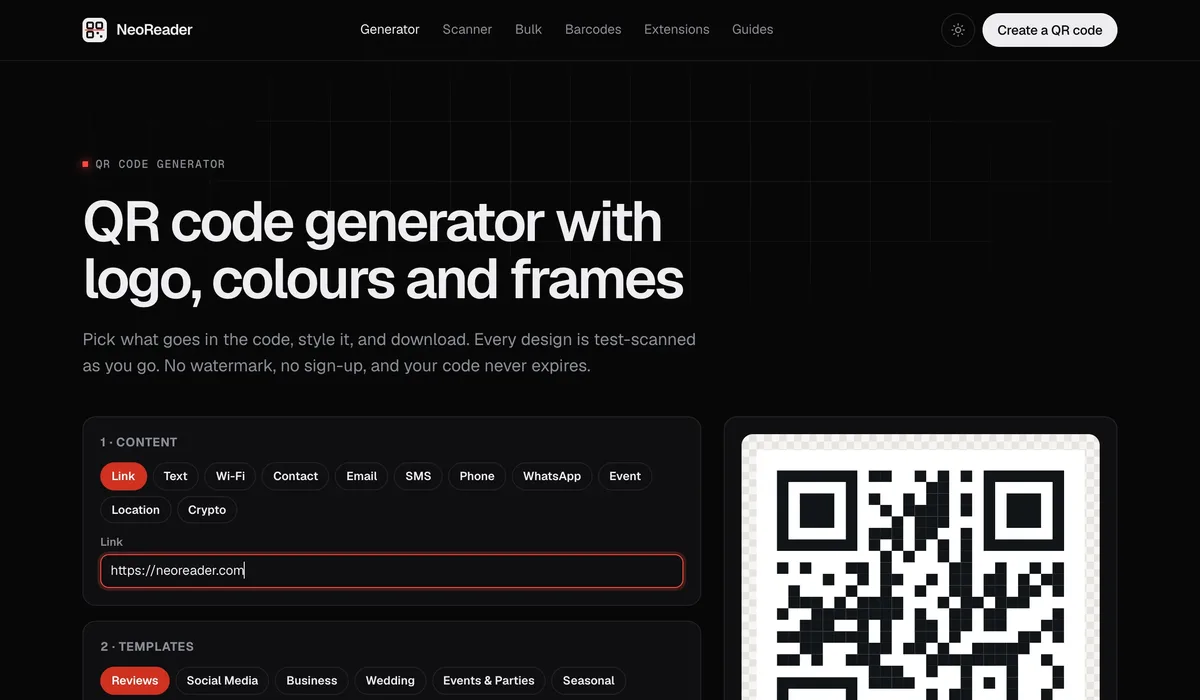
NeoReader's QR code generator asks for no account, for any feature — logo upload, colours, frames, bulk generation, all of it. Codes are generated client-side in the browser, so the content and logo never get uploaded anywhere. Export covers SVG, PDF, PNG, JPG and WebP, and beyond plain links it handles Wi-Fi, a contact card, a WhatsApp chat, a calendar event, a location pin and crypto addresses as their own proper code types rather than link-encoded workarounds. It also runs bulk codes from a CSV, delivered as a ZIP, and a live scan test that flags a design before you print a few hundred of them and find out the hard way.
The same generator ships as a QR code generator Chrome extension and a Microsoft Edge QR code generator, so a code for the page you're already on is one click from the toolbar — no need to open a new tab and paste the URL in.
QRCode Monkey
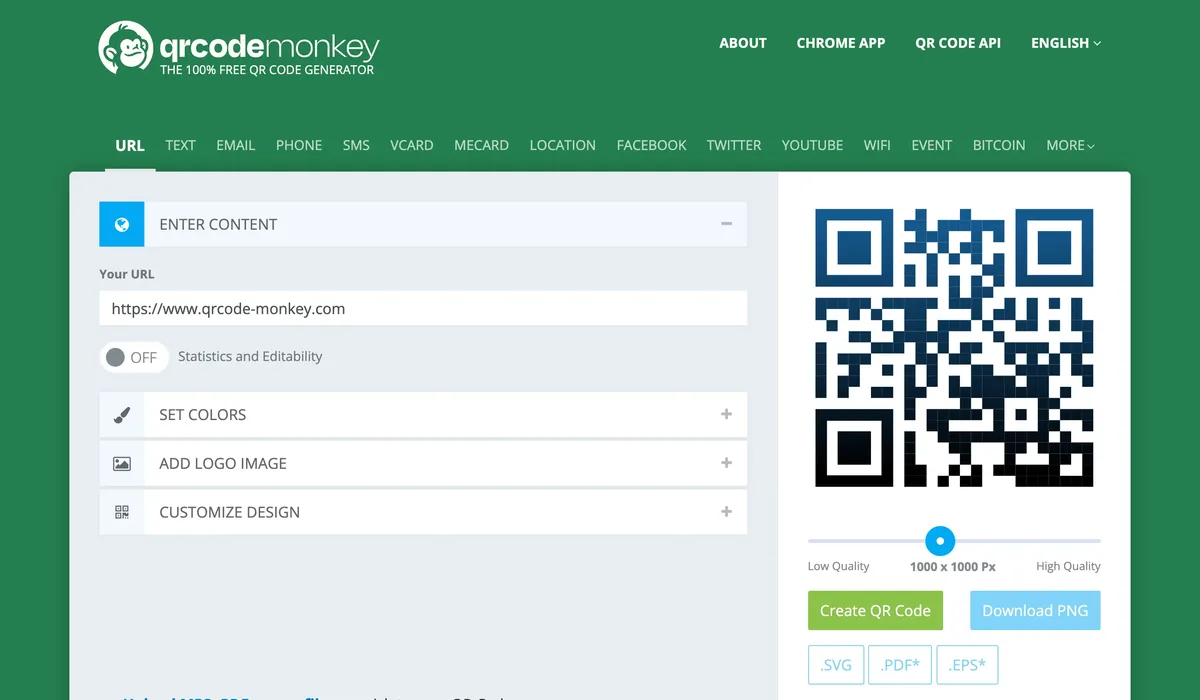
QRCode Monkey doesn't ask for an account to generate or download a static code — you get PNG, SVG, PDF and EPS, sized up to 2,000px, with deep customisation on body shape, eye style, colours and gradients. The logo upload is free too, and on visual design depth alone it's the strongest of the three competitors.
The moment you want anything more than a static print code, that no-account promise stops holding. "Dynamic" or trackable codes aren't native — clicking it hands you off to a separate paid tool, QR Code Generator Pro, with its own account and its own pricing, and bulk creation sits behind that same paywall. There's a QRCode Monkey Chrome extension, but no Edge version. NeoReader does bulk generation free and ships on both browsers, without ever sending you elsewhere.
Adobe Express
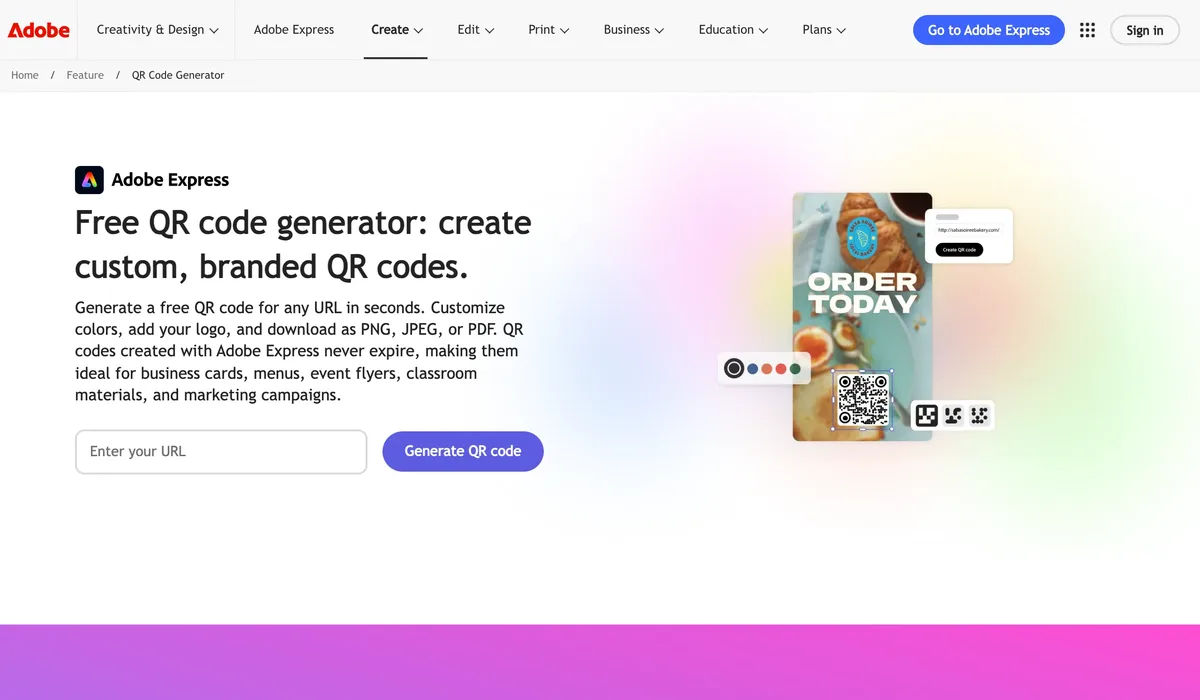
Adobe Express's QR code generator is genuinely free with no expiry — codes made today keep working indefinitely, with no subscription check-in required to stay alive. Colours, frames and a logo are all included at no cost, and the export drops straight into Illustrator, InDesign or Photoshop if you're already working in Adobe's ecosystem.
The catch is the account: Adobe requires you to sign in, even for one throwaway code. Downloads are PNG, JPEG or PDF — no SVG, so a code you want to scale up for large print needs re-exporting or redrawing rather than a clean vector resize. There's no dynamic or trackable option at any price, and no browser extension either — Adobe's old Express extension for Chrome has been pulled from the Chrome Web Store.
Canva
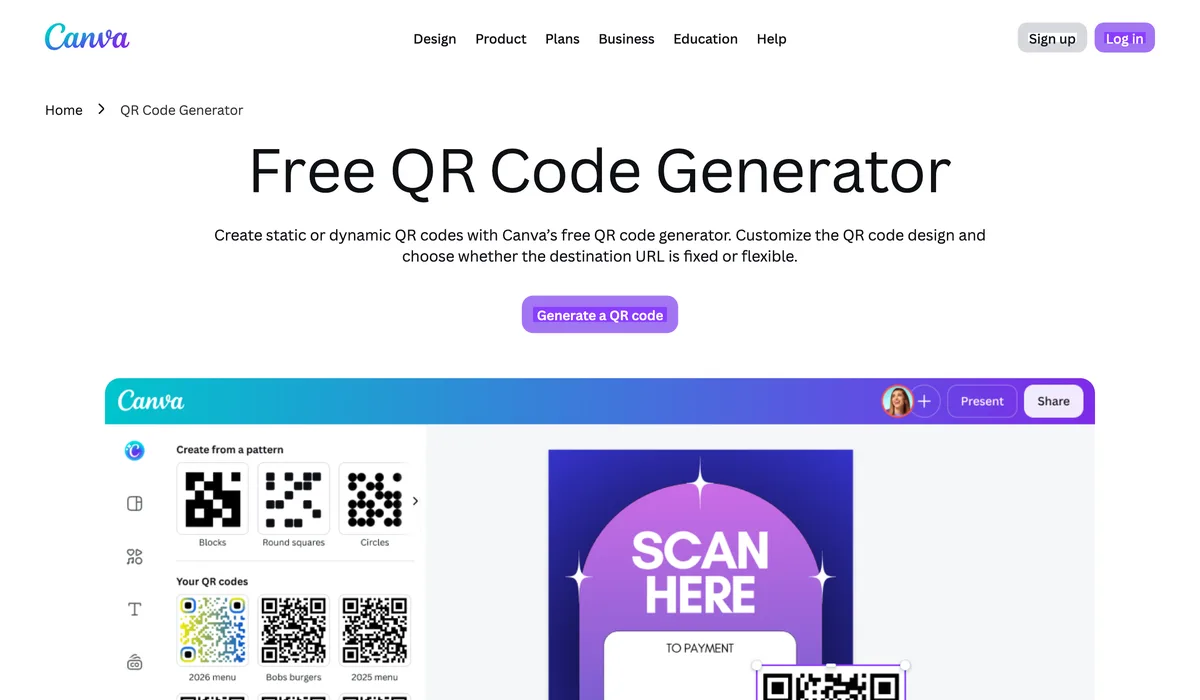
Canva's generator makes the most sense when the QR code is one element inside a design you're already building there — a flyer, a menu, a business card — rather than as a standalone tool. It requires a Canva account before you can create or export anything, and the download comes out as a flattened PNG or JPG through the design export, not a dedicated vector QR file.
Dynamic, editable QR codes aren't a native Canva feature either — the option comes from a third-party app in Canva's marketplace (Hovercode is the one most listings point to), a separate integration with its own terms, not something Canva itself provides. Canva has desktop and mobile apps but no browser extension, so every code starts with opening Canva itself.
TechWhack QR Code Generator
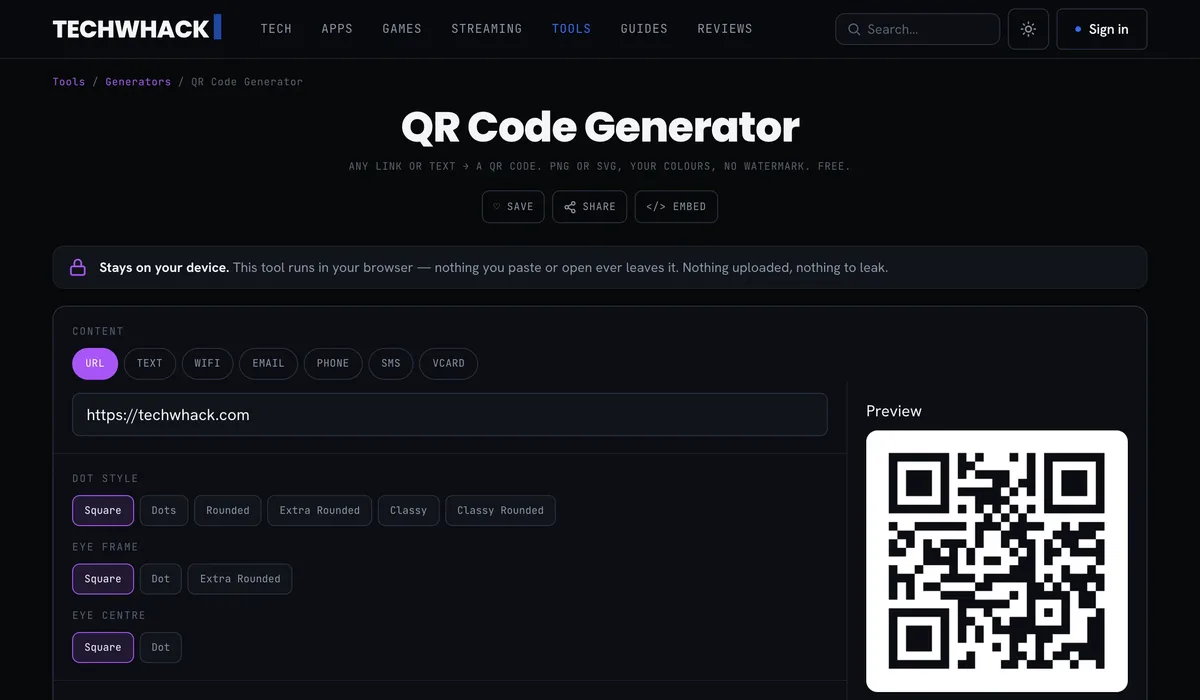
Our own QR code generator asks for nothing — no account, no sign-up, no watermark, ever. Content types run to URL, text, Wi-Fi, email, phone, SMS and vCard, all native. Design control goes deep: six dot styles, three eye-frame and two eye-centre shapes, solid or gradient colours, a logo with adjustable size and margin, and four error-correction levels so a code printed small or partly covered by a logo still scans. Everything renders in your browser — nothing you type or upload is ever sent anywhere. It's a web tool rather than an extension, though it can be embedded on any site.
The gap next to NeoReader is formats and scale: downloads are PNG and SVG only, there's no bulk CSV-to-ZIP generation, and no dynamic or trackable codes. For a single code you want full control over and zero account hassle, it holds its own against QRCode Monkey — for a few hundred codes at once, or a PDF/JPG/WebP export, NeoReader is the one that covers it.
How the Five Compare
| Generator | Account required | Export formats | Content types | Bulk | Browser extension |
|---|---|---|---|---|---|
| NeoReader | Never | SVG, PDF, PNG, JPG, WebP | Link, text, Wi-Fi, contact, email, SMS, phone, WhatsApp, event, location, crypto | Free, CSV → ZIP | Chrome, Edge |
| QRCode Monkey | Not for static codes | PNG, SVG, PDF, EPS | URL, text, email, phone, SMS, vCard, MeCard, location, Wi-Fi, event, Bitcoin, social | Paid (QR Code Generator Pro) | Chrome |
| Adobe Express | Yes, free account | PNG, JPEG, PDF | Link only | No | None |
| Canva | Yes | PNG, JPG (design export) | Link only | No | None |
| TechWhack Generator | Never | PNG, SVG | URL, text, Wi-Fi, email, phone, SMS, vCard | No | None (web tool, embeddable) |
Which One Should You Actually Use?
Use NeoReader. It's the best of the generators we tested: no account for any feature, bulk codes from a CSV at no cost, five export formats, WhatsApp, event and location codes handled natively, and a toolbar extension for Chrome and Edge. QRCode Monkey is the only one that comes close, and it still charges for bulk and dynamic codes and only runs as an extension in Chrome. Adobe Express and Canva both fail at the first hurdle — an account wall before a single code downloads — and neither gets close on format range. For a quick single code without leaving this page, our own TechWhack QR Code Generator does the job.
Frequently asked
What's the best free QR code generator overall?
Is QRCode Monkey really free?
Do I need an account for Adobe Express or Canva's QR generators?
Which format should I use for printing?
Follow topics, companies and writers from this story to see more like it in your feed and get email updates.
- Jess PorterWriter

 Continue with Google