Online Gaming Safety for Kids: A Parent's Guide for 2026
What changed in 2026, how to set parental controls on every console and app, the warning signs of grooming, and who to call if something goes wrong.
By Marcus Vale 10 min read
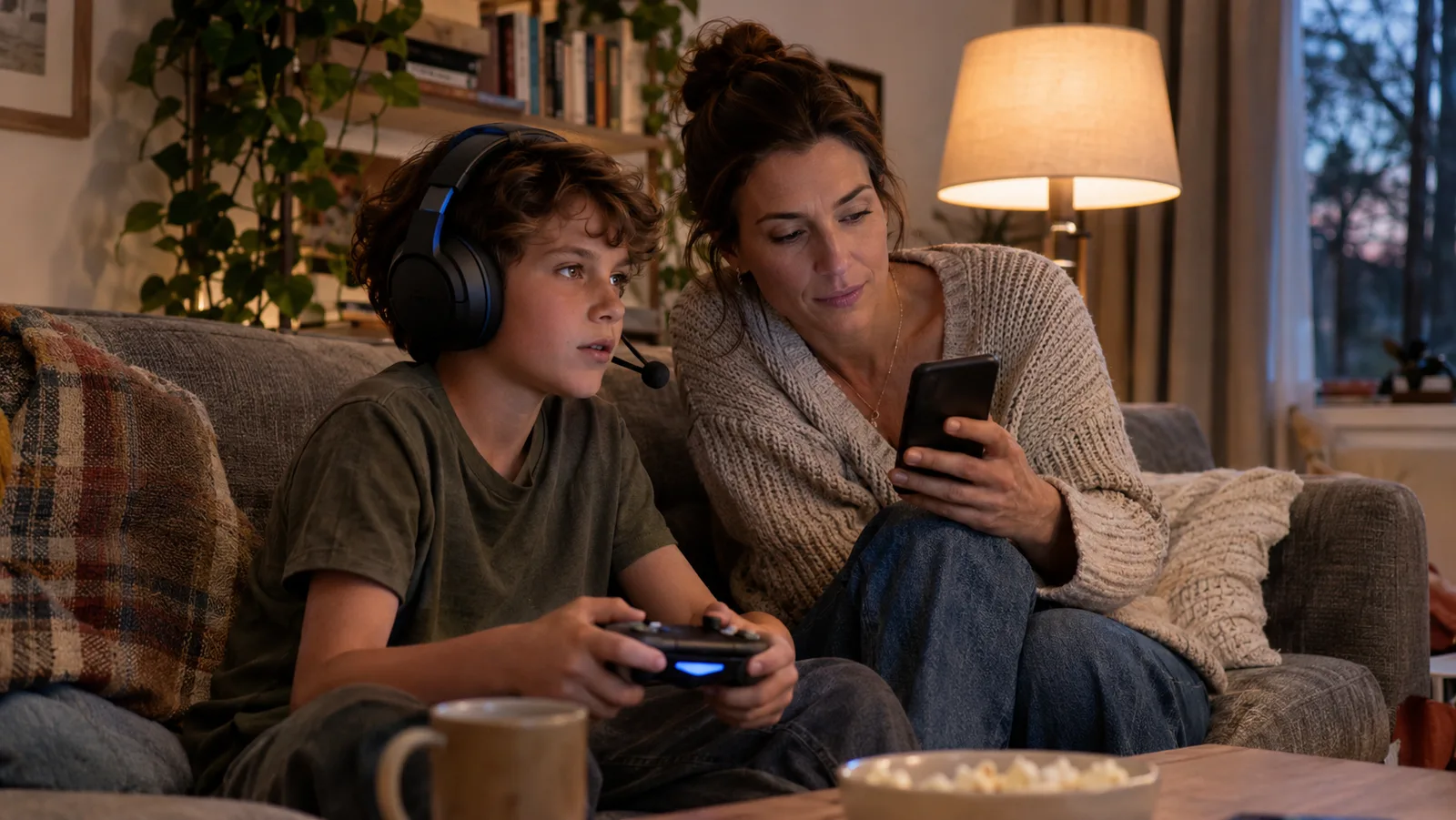
Most children who play games online are fine. The risks that matter come down to two things: who can talk to your child, and what they can spend. Both are controlled by settings you can change in a few minutes. This guide covers what changed in 2026, how to set up each console and app, the warning signs worth knowing, and who to call if something goes wrong. It is up to date as of 20 November 2026.
Gaming is close to universal. Ofcom found that 88% of UK children aged 3 to 17 play video games, and Pew Research puts the figure at 85% of US teens. The same Ofcom research found that over half of children who game online play with people they have never met in person.
The age rating tells you what, not who
Age ratings from ESRB in North America and PEGI in Europe judge a game's content: violence, language, fear, gambling-style features. They don't tell you who your child can meet inside it. The NSPCC puts it plainly: "These ratings don't include communication features." A game rated for seven-year-olds can still have open text or voice chat with adults.
That gap shows up in how families set rules. In Ofcom's October 2026 research, 64% of parents said strangers were their biggest gaming worry, yet only 43% had rules about who their child plays with, compared with 56% who set time limits. If you only do one thing after reading this, set a rule about who.
What changed in 2026
A lot moved in the past year, from platforms and from governments. Here is where things stand in each of the four countries most of our readers live in.
Roblox (everywhere)
- Roblox now requires an age check to use chat, done with a face estimate or ID. It sorts players into age groups so that, in its words, children under 16 can't chat with adults they don't know. The check rolled out worldwide in January 2026.
- In April 2026 it launched Roblox Kids and Roblox Select accounts. Kids accounts (ages 5 to 8) have chat off by default and only show games rated Minimal or Mild. Select accounts cover ages 9 to 15. Both became available globally in June.
United Kingdom
- Ofcom's children's safety codes have applied since 25 July 2025, and they cover gaming services as well as social media.
- In May 2026 Ofcom said Roblox, Meta and Snap had committed to stronger anti-grooming measures, including tighter default contact settings.
- The government plans to ban social media for under-16s and to block contact from strangers and livestreaming for under-16s on other services, gaming included. It says children will still be able to play multiplayer games. The rules aren't in force yet. The BBC reports they are due in March 2027.
Australia
- The under-16 social media minimum age took effect on 10 December 2025, but games are left out. The eSafety Commissioner's FAQ lists Roblox, Discord and Steam as not age-restricted.
- eSafety went after Roblox separately. In August 2026 it secured a court-enforceable undertaking: adults can't contact children they don't know without a parent's consent, and children's accounts are private by default.
- Since September 2024, games with paid loot boxes get a minimum M rating, not recommended for under-15s.
United States
- Several state attorneys general have sued Roblox, including Texas, Nebraska and Arkansas, alleging it failed to protect children. Texas and Florida have also sued Discord. These are allegations, not findings, and Roblox disputes them.
- Discord made teen-safe settings the default for everyone in February 2026.
- The landmark case is still the 2022 FTC settlement with Epic Games: $520 million over Fortnite, and an order to switch voice and text chat off by default for children and teens.
Canada
- There's no federal online harms law in force yet. The last bill, C-63, died, and child advocates are pushing for a new one that covers gaming.
Is Roblox safe for kids?
It depends on your child's age and how the account is set up. Roblox is the most popular gaming platform for UK 8 to 12-year-olds, and the risks people worry about come almost entirely from chat and from the games other users build.
For a child under 9, a Roblox Kids account with chat left off is a reasonable setup. Your child plays, and nobody can message them. For older children, check three things in the parental controls:
- The registered age. If your child signed up with a false birth date, every age-based protection is working off the wrong number. Fix it first.
- Chat settings. You can allow chat inside games only, allow one-to-one chat, or switch chat off.
- Spending. Set a monthly limit and a parental PIN so settings can't be changed behind your back.
Age checks and default settings have improved a lot this year, but they aren't perfect. Regulators in the UK and Australia have pushed Roblox to do more within the last six months. Treat the settings as a strong first layer, not the whole job.
Parental controls for each console and app
Every major platform has free controls. Most can be run from a phone app, so you don't need to sit at the console.
| Platform | Where to set it up | What you can control |
|---|---|---|
| Xbox | Xbox Family Settings app | Screen time, content limits, who can chat, Ask to Buy, spending history |
| PlayStation | Family Management and PS Family app | Age levels, playtime, monthly spending limit, a "restrict communication" switch that turns off text and voice chat |
| Nintendo Switch | Nintendo Switch Parental Controls app | Daily time limit, in-game communication per game, eShop spending |
| Fortnite and Epic | Epic parental controls | Voice chat, text chat, friend requests, purchases. Under-10s are limited to friends-only chat |
| Minecraft | Microsoft family settings | Multiplayer, Realms and chat with non-friends, all set on the child's Microsoft account |
| Roblox | Roblox safety by age | Kids and Select accounts, chat, content maturity, spending, parental PIN |
| iPhone and iPad | Family Sharing | Ask to Buy for App Store and in-app purchases |
| Android | Google Family Link | App approvals, screen time, Google Play purchase approval |
For step-by-step guides with screenshots, Internet Matters keeps a set for every major device. Two traps to watch for: Minecraft's controls don't cover very old versions or modded copies, and Google Family Link's purchase approval only applies to payments made through Google Play.
Check, chat, change
Ofcom's advice for parents fits in three words:
- Check the age on every account and the settings that come with it.
- Chat about the games and the people. Ask questions like "Who do you play with most?" and "Do you know them offline?" without making it an interrogation.
- Change the settings that don't fit: who can contact them, messages, time and spending.
For primary-age children, CEOP suggests gaming in a shared room rather than behind a closed door. The NSPCC suggests agreeing a number of rounds or matches rather than minutes, since a match can't be paused halfway. For time limits more broadly, the American Academy of Pediatrics has a free family media plan you can fill in together.
Warning signs of online grooming
Grooming in games usually follows a pattern. Someone friendly offers help, gifts or in-game currency, asks to make the chat private, then tries to move the conversation to another app where there are fewer controls. CEOP warns that gifts and trades are a known way offenders start contact. The FBI has warned that young people are often recruited on gaming sites as well as social media.
The NSPCC lists signs that something may be wrong:
- being very secretive about time online
- an older boyfriend or girlfriend
- money, gifts or new things they can't explain
- spending much more, or much less, time online
- seeming upset, withdrawn or distressed
- using sexual language you wouldn't expect at their age
The single clearest red flag in a game is a request to move to another app, or to keep a friendship secret. Tell your child that anyone who asks for either should be reported, not obeyed, and that they won't be in trouble for telling you. As CEOP puts it, children are never to blame.
Spending, loot boxes and free-currency scams
Money is the other big risk. The Epic case showed how easy it is for children to buy things by accident. The FTC ordered $245 million in refunds and had sent nearly $200 million back to players by June 2025.
- Set a spending limit or require approval on the console and the phone. Both PlayStation and Nintendo let you set a monthly cap, and Xbox, Apple and Google can ask you before every purchase.
- Watch for loot boxes. These are paid packs with random contents. ESRB marks them as "In-Game Purchases (Includes Random Items)".
- Explain free-currency scams. Sites and messages offering free Robux or V-Bucks are almost always after your child's password. Nobody gives these away.
How to judge a smaller game site in five minutes
Big platforms get the headlines, but children also spend time on small browser-game and activity sites. You can judge most of them quickly by answering five questions from the site's own pages:
- Does it need an account? If so, what does it ask for?
- Can players talk to each other? Look for chat, comments, friend lists and multiplayer games.
- Is anything public? Leaderboards and usernames are visible to everyone.
- How does it make money? Ads, subscriptions or in-game purchases.
- What age is it for? The privacy policy usually says.
Two sites show how different the answers can be.
Unruffled is a free coloring site built for young children, with printable pages, an online coloring canvas and color-by-number. It answers the five questions about as well as a kids' site can. It has no chat, no links out, no ad networks and no trackers. Leaving the coloring canvas needs a grown-up to press and hold, and printing a page doesn't need a sign-up. There's an optional parent account if you want pictures saved across devices, with a paid plan for extra child profiles. Its privacy page says children don't give any personal information. For a calm, no-contact option for a younger child, it's an easy one to recommend. Its guide to choosing ad-free kids' apps is also a handy checklist for any app.
FunClicker is a free browser-game site for older kids and up. Its privacy policy says it is meant for users 13 and over. There's no sign-up, no login and no account of any kind, and we found no chat or messaging system on the site. Leaderboards show automatically made-up handles, never a name your child types in. Two games are online multiplayer: Slender Multiplayer and Squirm.io, and both show a player name to other players. The site also has a large horror section with jump scares. Each game page lists its content warnings, so check those before letting a younger child play. For under-13s, it's one to play together. The gentler picks, like Candyween, are the place to start.
If something goes wrong: who to contact
First, report and block the account inside the game, and keep the evidence: screenshots, usernames and dates. Don't delete the messages. Then contact the right service for your country. If a child is in immediate danger, call 999 in the UK, 911 in the US or Canada, or 000 in Australia.
| Country | Who to contact |
|---|---|
| United Kingdom | CEOP Safety Centre (National Crime Agency) for sexual contact or grooming. NSPCC helpline 0808 800 5000 |
| United States | NCMEC CyberTipline, or call 1-800-843-5678, 24 hours a day |
| Canada | Cybertip.ca (Canadian Centre for Child Protection). Kids Help Phone 1-800-668-6868 |
| Australia | eSafety Commissioner, which also has a gaming guide for parents |
If a nude image of a child under 18 has been shared, UK children can use Childline's Report Remove tool to get it taken down.
No setting removes every risk, and Ofcom says as much. But an account with the right age, chat limited to people your child knows, a spending cap, and a child who knows they can tell you anything covers most of what goes wrong.
Frequently asked
What age should a child start playing games online?
Should I let my child use voice chat in games?
Are Roblox age checks private?
How much gaming is too much?
Follow topics, companies and writers from this story to see more like it in your feed and get email updates.
- Marcus ValeWriter


 Continue with Google