WebP vs JPG vs PNG vs AVIF — Which Image Format Should You Use?
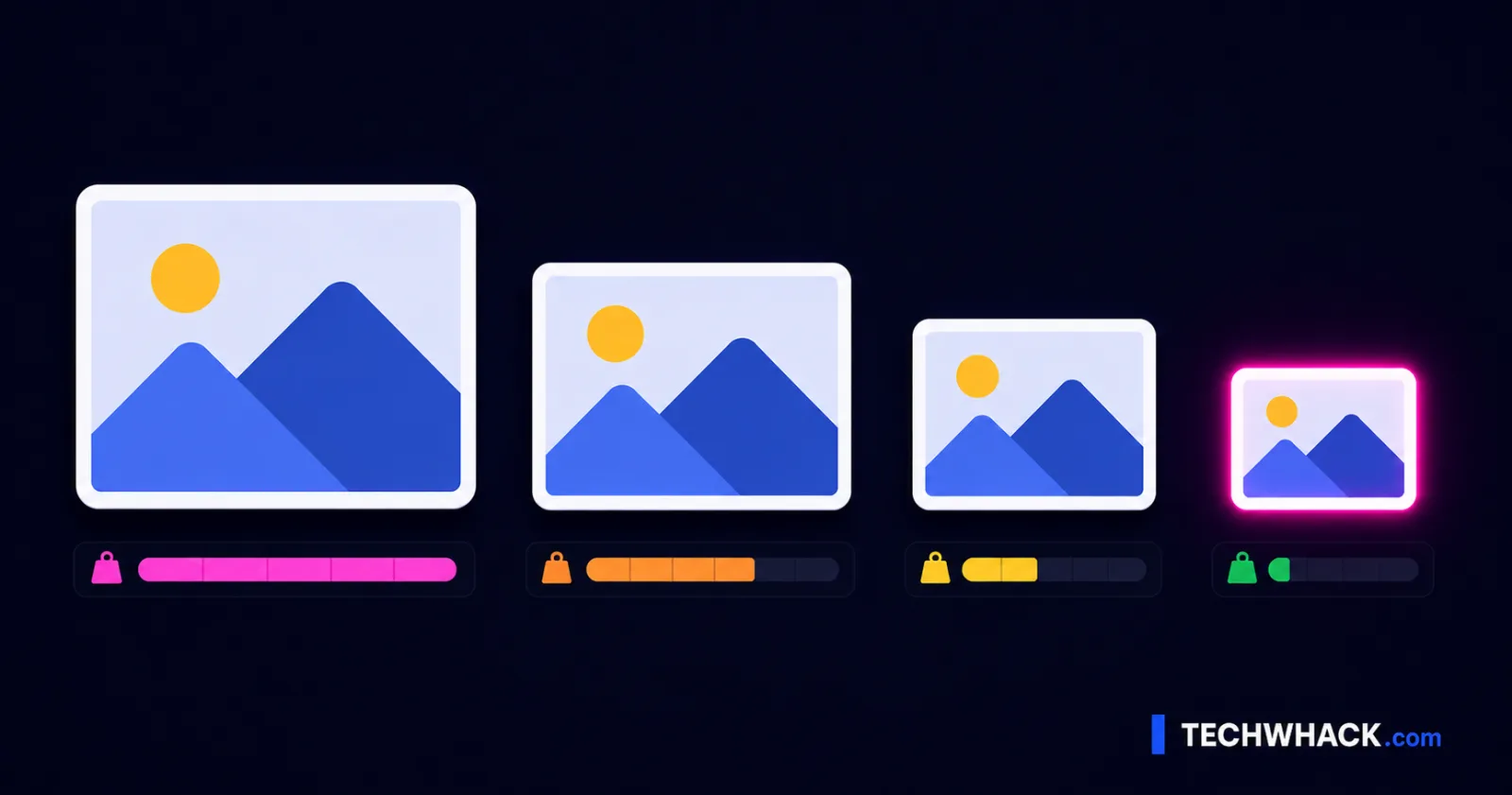
Quick answer: for most web images in 2026, use WebP — it's 25–35% smaller than JPG, looks identical, and works in ~96% of browsers. Use AVIF when you want the smallest possible file for a big photo or hero image. Keep JPG for email and maximum compatibility, and PNG for logos, screenshots, and anything that needs transparency or crisp text. Here's the full breakdown, and exactly which to pick for what.
On this page
The four formats at a glance
| Format | Best for | Compression | Transparency | Browser support (2026) |
|---|---|---|---|---|
| JPG | Photos, email, print, "just works" | Lossy; baseline size | No | Universal (100%) |
| PNG | Logos, screenshots, sharp text, transparency | Lossless; larger files | Yes | Universal (100%) |
| WebP | The modern default for web images | Lossy + lossless; 25–35% < JPG | Yes | ~96% |
| AVIF | Smallest files for big web photos | Lossy + lossless; ~50% < JPG | Yes (+ HDR) | ~94% |
What each one is actually good at
JPG (JPEG) — the universal workhorse for photographs. Every device, app, email client, and printer on earth opens it. It's lossy (throws away some detail to save space) and has no transparency. In 2026 it's no longer the smallest option, but it's still the one that always works — which is exactly why it's the right call for email attachments and anything headed to print.
PNG — lossless, so it never throws away detail, and it supports transparency. That makes it perfect for logos, icons, screenshots, and images with sharp text or hard edges, where JPG's compression would smear the lines. The trade-off: PNG files are big, especially for photographs — a photo saved as PNG is usually several times larger than the same photo as JPG or WebP. Use PNG for graphics, not photos.
WebP — the modern all-rounder and the right default for web images in 2026. It does both lossy and lossless, supports transparency (so it can replace both JPG and PNG on the web), and runs about 25–35% smaller than JPG at the same visible quality. At ~96% browser support it's safe to use as your standard web format. Its main weak spots are outside the browser: some desktop apps (older Office/Photoshop) and print workflows still don't love it.
AVIF — the newest and the smallest. Built on the AV1 video codec, it's roughly 50% smaller than JPG and 20–30% smaller than WebP at the same quality, and it adds HDR and wide-color support. Browser support is ~94% now (every major browser). The catches: it's slow to encode, most email clients still don't support it in 2026, and desktop-app support is patchy. So it's brilliant on the web, less so as a file you send around.
(JPEG XL gets asked about — as of 2026 it's still experimental and mostly Safari-only, so it's not a practical choice for the open web yet.)
Which should I actually pick?
- A web hero image or product photo → AVIF for the smallest file, or WebP if you want simpler/faster export. Both look great; AVIF just wins on bytes.
- General images on a website → WebP. Best balance of size, quality, and support — the safe everyday default.
- A logo, icon, or screenshot → PNG (or WebP lossless). You want crisp edges and, for logos, transparency.
- A photo you're emailing or sending to someone → JPG. It opens everywhere, including the email clients and apps that choke on AVIF/WebP.
- Anything going to print → JPG (or the original high-res file). Print drivers don't speak WebP/AVIF.
- A photo currently saved as a giant PNG → convert it to WebP or JPG — PNG is the wrong tool for photographs and is bloating your file.
Lossy vs. lossless, quickly
Lossy (JPG, and the usual WebP/AVIF mode) discards some detail you can't easily see, for much smaller files — right for photographs. Lossless (PNG, and WebP/AVIF's lossless mode) keeps every pixel exactly, for bigger files — right for logos, screenshots, and sharp graphics where artifacts would show. Match the mode to the content: photos can take lossy; hard-edged graphics want lossless.
How to convert (in your browser, nothing uploaded)
- To convert to PNG, JPG, or WebP: use the free Convert Image tool — add one image, pick the output format, download. (Converting to JPG fills any transparent areas with white, since JPG can't store transparency — expected behavior, not a bug.)
- To convert to AVIF: use the free Convert AVIF tool — it encodes your image to AVIF with a quality slider (0–100) and shows how much smaller it got. Note it converts to AVIF; it's for creating AVIF files, not opening existing
.aviffiles.
Both run entirely in your browser on one image at a time (up to 25 MB) — nothing is uploaded, no sign-up, no watermark. If your goal is just a smaller file rather than a specific format, the Compress Image tool picks the efficient format for you automatically (covered in the companion guide, How to compress images for the web).
WebP vs JPG, AVIF vs WebP, PNG vs JPG — the short version
Whether you searched WebP vs JPG, AVIF vs WebP, PNG vs JPG, JPEG vs PNG, or "best image format for web," the answer is the same shape: WebP is the safe modern default, AVIF is the smallest, JPG is the most compatible, and PNG is for graphics and transparency. Pick by where the image is going, then convert.