How to Check Your AI Search Visibility for Free
Five free ways to see whether ChatGPT, Perplexity and Google AI cite your site, from Bing's AI Performance report to GA4 and server logs.
By Jordan Withers 6 min read
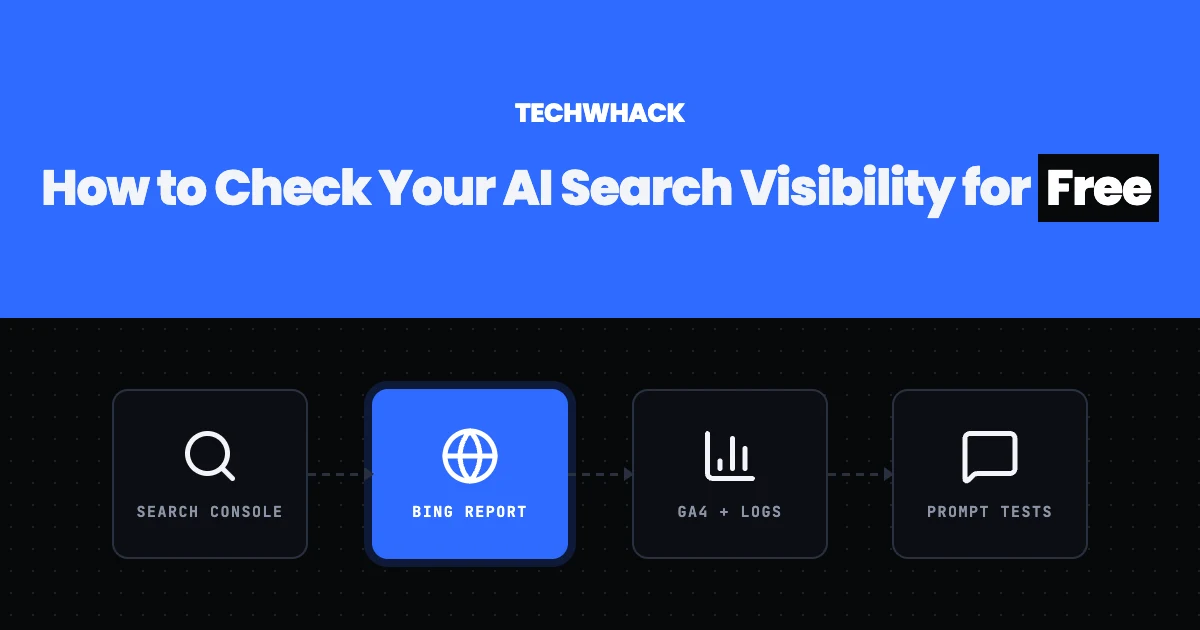
People now ask ChatGPT, Perplexity and Google's AI features questions they used to type into a search box, and those tools name sources in their answers. A page can be cited without ever sending a click, so the usual traffic reports miss part of the picture. You can still measure a good deal of it for free, using tools you probably already have.
This guide covers five free methods, what each can and cannot tell you, and when a paid tracker starts to make sense.
Google Search Console now has a generative AI performance report
Google announced Search generative AI performance reports on June 3, 2026. According to Google's help page, they were rolled out to all websites worldwide on Aug. 31, 2026. The report shows how many times links to your site were shown in generative AI features on Google Search, such as AI Overviews and AI Mode. You can group the data by page, country, date and device, and filter by text-based or multimodal search.
The data is also still counted in the overall Performance report under the Web search type, as Google's AI features documentation says. Two limits matter. The report counts impressions, meaning your link was shown, not answers that named you in text. And if the report is missing for your site, Google says it usually means the site has not had enough impressions in these features yet.
Bing Webmaster Tools has an AI Performance report
Microsoft launched AI Performance in public preview on Feb. 10, 2026. It reports how often your site is cited across Copilot, Bing's AI summaries and select partners. The report shows:
- total citations and average cited pages
- grounding queries, the searches the AI ran to find your content
- citations per URL, with a timeline
In June, Microsoft added Intents, Topics, Citation Share and Compare in preview. Per Bing's help page, the data refreshes daily, is a sample rather than every citation, and exports to CSV and Excel. You need your site added and verified in Bing Webmaster Tools first. This is the only major free report we found that counts citations directly.
Google Analytics 4 has an AI Assistant channel
Since May 13, 2026, GA4 has an AI Assistant channel in its default channel group, with the medium set to "ai-assistant." Google says it excludes traffic from AI Overviews and AI Mode, so it covers visits from assistants such as ChatGPT. To see it, go to Reports, then Acquisition, then Traffic acquisition. Google's default channel group documentation lists the rules. It counts visits, not citations, so it only shows the part of AI exposure that turned into a click.
Your server logs show which AI crawlers visit
If you can read your access logs, the user agent tells you who is fetching your pages and why. These are the documented ones:
- OpenAI: OAI-SearchBot is for search, GPTBot is for training, and ChatGPT-User is triggered by a person using ChatGPT (OpenAI notes robots.txt may not apply to it).
- Perplexity: PerplexityBot is for search and not for training, while Perplexity-User is user-triggered and generally ignores robots.txt.
- Google: Google-Extended is a robots.txt token only, with no user agent of its own. It does not affect Google Search.
- Anthropic: per Anthropic's support page, ClaudeBot is for training, Claude-User is user-triggered, and Claude-SearchBot is for search.
To allow or block these bots, you set rules in robots.txt, and our robots.txt generator writes the file for you. A visit from a search or user-triggered bot shows your page was fetched while answering a question. It does not prove the page was named in the answer, so treat it as a sign of interest, not a citation count.
Manual prompt testing works only if you repeat it
You can also ask the questions your customers ask and see which sources the answers name. The catch is that answers vary. A January 2026 SparkToro and Gumshoe study ran 12 prompts across ChatGPT, Claude and Google's AI 2,961 times. The same list of brands came up twice in fewer than 1 in 100 runs, and the same order in about 1 in 1,000. SparkToro recommends 60 to 100 runs per prompt and discloses that it sells related software, so treat the exact figure with care.
The practical lesson is to keep a fixed list of prompts, run each one several times, record whether your site appears each time, and repeat on the same schedule. One lucky or unlucky answer tells you nothing.
When an answer cites sources, it helps to read what those pages look like to a machine. A web scraping API such as SnoopScan returns any public page as clean markdown or JSON, which makes it easy to compare the structure of a cited page with your own.
When a paid tracker is worth it
Paid trackers run the prompts for you at scale and chart the results. These are the prices their own pages showed on Nov. 12, 2026, and they change often:
- Peec: Starter $95 a month
- OtterlyAI: Lite €29 a month, with a free trial
- Indexly: from $99 a month
- Semrush: Starter €190 a month at list price, 50 prompts
- Nightwatch: 14-day trial, no card
- Ahrefs: a free AI visibility checker that needs no signup
If you have a handful of pages and a few questions that matter, Bing's report plus a repeatable prompt list is enough to start. A tracker earns its cost when you have dozens of prompts to watch or clients to report to.
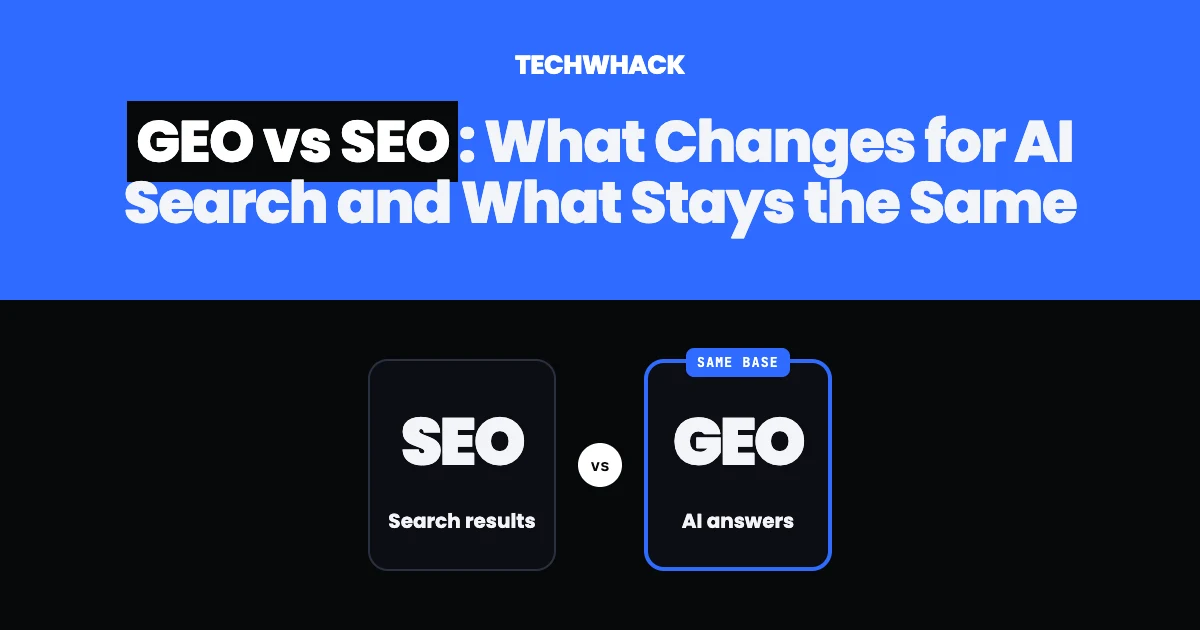
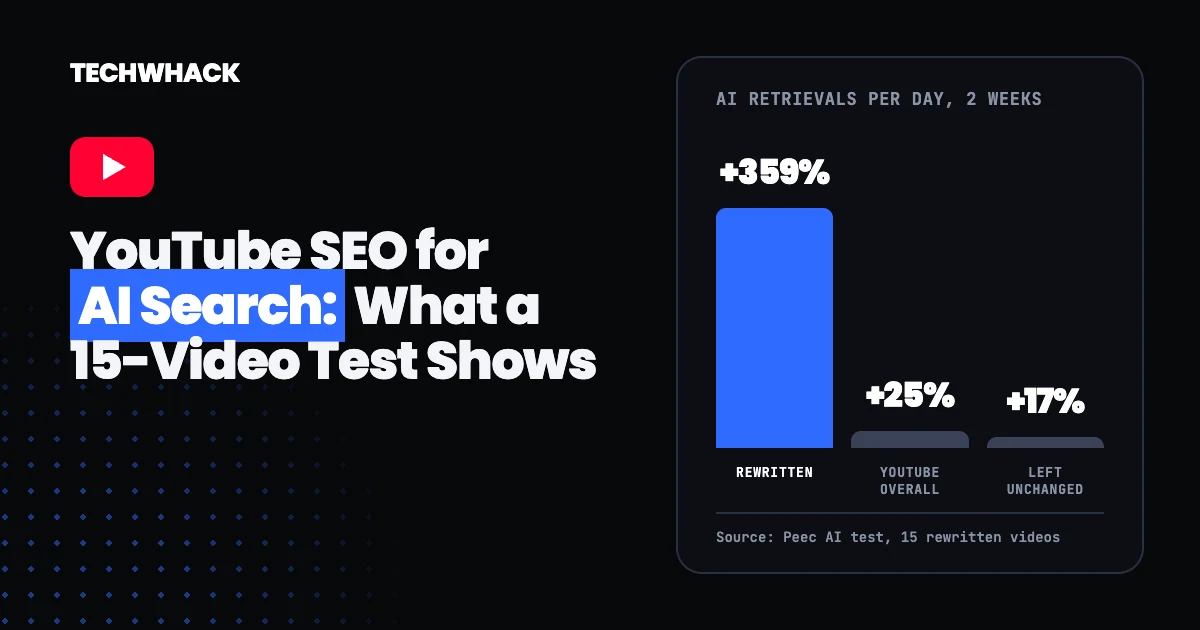
Measuring is only half the job. Our guide to GEO vs SEO covers what to change once you know where you stand, and if you publish video, YouTube SEO for AI search covers that side.
Common questions about AI search visibility
Can Google Search Console show AI Overviews traffic separately?
Yes. Since Aug. 31, 2026, Search Console has a generative AI performance report for all sites. It shows impressions in AI features such as AI Overviews and AI Mode, and the same data stays in the overall Performance report. It only appears once your site has enough impressions.
How do I see ChatGPT traffic in Google Analytics?
Open Reports, then Acquisition, then Traffic acquisition, and look for the AI Assistant channel. It counts visits from assistants and excludes Google's AI Overviews and AI Mode.
Is there a free way to count AI citations?
Bing Webmaster Tools' AI Performance report is the one free report we found that counts citations directly, for Copilot and Bing's AI summaries. It is a sample, not a full count.
Does a crawler visit mean I was cited?
No. A search or user-triggered bot fetching a page shows the page was retrieved. Whether the answer named it is a separate question.
How often should I re-run prompt tests?
Weekly is a reasonable start. Use the same prompts and the same method each time, and run each prompt several times because answers change from run to run.
Follow topics, companies and writers from this story to see more like it in your feed and get email updates.
- Jordan WithersWriter
 Continue with Google