How to Merge PDF Files Into One (Free, No Software)
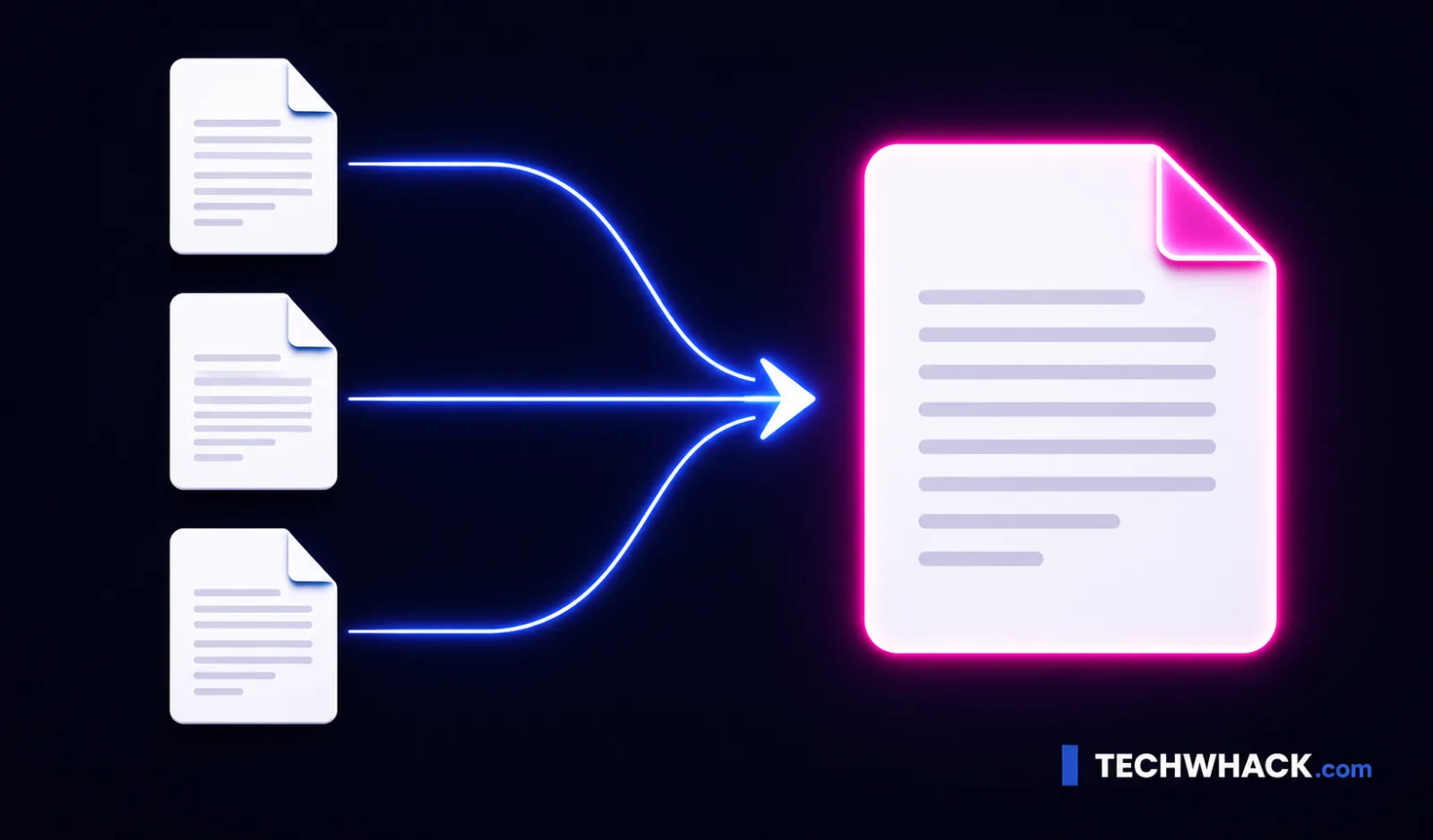
To merge PDF files, drop them into the free Merge PDF tool, drag them into the order you want, and download the single combined file. It runs entirely in your browser — your files never leave your device — so there is no upload, no Adobe Acrobat, no sign-up, and no watermark.
On this page
Merge PDFs in four steps
- Open the Merge PDF tool and drag your PDFs onto the page (or click to browse and select them). Add as many as the tool allows — it handles a generous batch.
- Put them in order. Drag the files to rearrange them — the order top-to-bottom is the order they'll appear in the final document.
- Click Merge. The files are combined into one PDF, in your chosen order, in a second or two.
- Download your single combined PDF. That's it — no account, no email, no watermark stamped across your pages.
Because the whole thing happens in your browser, the moment you close the tab the files are gone. Nothing was sent to a server to begin with.
Why "in your browser" actually matters
Most "merge PDF online" tools upload your files to their servers, do the work there, and send the result back. For a flyer or a meeting agenda, who cares. But a lot of the PDFs people merge are contracts, invoices, bank statements, medical forms, signed agreements, ID scans — exactly the documents you don't want sitting on a stranger's server, however briefly.
Our Merge PDF tool does the combining on your own machine, inside the browser. The files are read, merged, and handed back to you without ever being uploaded. For sensitive paperwork that's not a nice-to-have — it's the whole point. It's also why there's no per-merge paywall and no "you've used your 2 free merges today" nag — there's no server cost on our end to ration. (There's a sensible upper limit on how many files you combine at once, just so the page stays fast on any device — generous, and nowhere near a paywall.)
Does merging change the quality or file size?
No. Merging is not the same as compressing. The tool stitches your PDFs together page-for-page — text stays text, images stay exactly as they were. The combined file's size is essentially the sum of the originals, and the quality is identical.
The one thing to watch: if you merge several image-heavy or scanned PDFs, the result can get large. If it ends up too big to email, run it through the free Compress PDF tool afterward — that's the step that actually shrinks the size. (Handy when you're up against Gmail's 25MB attachment limit.)
Reordering — the part people miss
The order you add files isn't always the order you want. Maybe the cover letter needs to go first, or the appendix last. Before you hit Merge, just drag the files into the right sequence. The final PDF follows that order exactly. If you've ever printed PDFs out, shuffled the paper, and re-scanned them just to get the order right — you never have to do that again.
Online tool vs. desktop software vs. Adobe
| Approach | Cost | Install? | Sensitive-file safe? | Sign-up? |
|---|---|---|---|---|
| Merge PDF (this tool) | Free | No | Yes — nothing leaves your device | No |
| Adobe Acrobat | Paid subscription (online version free but limited) | Yes (or sign-in) | Files upload to Adobe | Yes, to download |
| Upload-based online tools | Free with limits | No | Files upload to their cloud | Often |
| Apple Preview (Mac) | Free | Built-in (Mac only) | Yes — local | No |
| Windows | — | No built-in merge | — | — |
If you're on a Mac, Preview can combine PDFs by dragging page thumbnails between open documents — fine for a quick two-file job. Windows has no built-in PDF merge at all, which is why "how to merge PDFs without Adobe Acrobat" is such a common search. A browser tool sidesteps the whole problem on any operating system, including Chromebooks.
Merging on your phone
It works the same on a phone. Open the Merge PDF tool in your mobile browser (Safari on iPhone, Chrome on Android), tap to add the PDFs from your Files / Downloads / cloud storage, reorder them, merge, and the combined file saves straight back to your phone. No app to install. This is genuinely useful when someone emails you two PDFs to "sign and send back as one" and you're not at a computer.
Merge PDF, combine PDF, join PDF — same job, different words
People call this a lot of things, so to be clear: whether you're trying to combine PDF files, join PDF documents, put PDFs together, append one PDF to another, or you searched for a PDF combiner or PDF merger — it's all the same task, and the Merge PDF tool does it. You can also merge PDFs you keep in Google Drive: download them to your device, merge, and re-upload the single file (Drive has no built-in merge of its own).